
6ixFilm
Members
-
Joined
-
Last visited
Everything posted by 6ixFilm
-

From the album: 1969 Dodge Charger Unmarked Personal
-
-
-
-
-
-
 Glad you came back man! Hope more to see in the feature featuring your callouts! 4 years that crazy.
- 166 comments
- 75 reviews
-
Get this from Modification Universe
-

From the album: LSPD SKYLINE PHOTOS
-
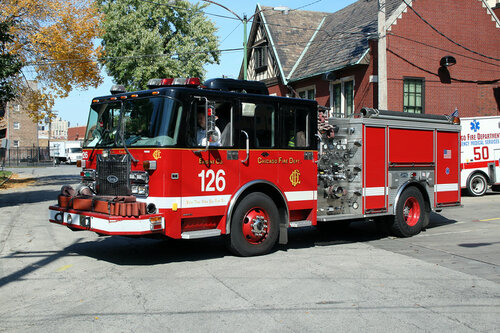 if the owner knows what he is doing why not reduce the file size as it have no sirens for others goes mutes... at least reduce file size....
- 19 comments
- 1 review
-
 Thanks for downloading my Custom Heavy Sniper sounds! This is only for LSPDFR not for Five M use your common sense! Requirements You must need an open iv, and Mods folder that have update and x64 to work with it PATH NAVIGATION Mods>x64>audio>sfx> Resident.rpf Must look at weapon.awc INSTRUCTIONS 1.Create any folder in your desktop make any name 2.Openiv, make sure your edit mode is on, then go to the path navigation that I’ve shown you above. Look for weapon.awc, click on it and look for (Export openformat.oac) and select a folder that you named it and you will see two files inside of your custom name folder. 3.Inside the folder that you have you will see an weapon folder and weapon.oac 4.Extract my samples folder and replace the sniper into the weapon folder and replace if asked! Then once you are done or succeed, go back to the open iv, select a custom name folder that you name, go to tools, look for the custom name folder that you modify and click weapon.oac and press ok and you are done! Hope that makes sense…. Once you are in the game make sure to select the Heavy Mark II weapon that way you will hear it as it is shown in the video! Make sure to leave a review and Rating! Give feedback and the loves “Make an original backup before modifying it!” Not responsible for it! Preview VIdeos
 -
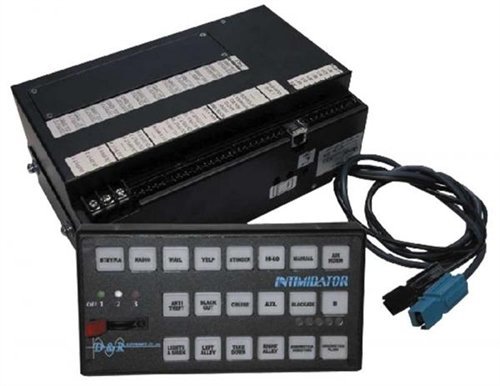 Still works as today of 2021! Since I am Toronto love this alot! still really good one Here a videos for those who are wondering
- 10 comments
- 4 reviews
-
-
 Aye! thanks for this tutorial man! I be sure to put this on my front page! >3 more simple mods on the way!
- 9 comments
- 1 review
-
 Aye my man thanks for this amazing Tutorial! putting the bright smile face while watching this! going put the link on the front page! again thanks so much! means a lot >3 more mods on the way!
- 16 comments
- 1 review
-
-

- 1
-
-
 it's on the first line clearly.. top of my descriptions
 -
Your right it the ford explorer chime , the other crown vic door chime on video I found is very bad quality what I know of the noise background.... but I'll be planning to update for separate vehicle tones for the door chime!
-
thanks! >3
-
broadcastify on the website.
-
you can import the vehicle.oac with an update version of it! The samples is only for those who want to hear it
- 16 comments
- 1 review
-
Going to fix it soon! I will be fixing the sounds
-
It shouldn't be as distorted , I might take a look again and retest the audios but thanks!
-
How do I install them? Go to Mods>x64>audio>sfx>RESIDENT.rpf Edit mode must be on, but first remember to backup the original files! Right click look for import openformats open up my folder call Crown vic Door Sound (V1.0.0) and import only the vehicles.oac! -Provided a sample -Provided a original backup Once you have imported them you're good to go and enjoy!, this only works for crown vics! again don't forget to review and leave a rating! Come join my discord! note I will not provide support! This only base suggestions and ideas to request if you have in mind! https://discord.gg/Q9uxeqmPYb Update Video to (V1.0.2) Updating the thumbnail -Fix sounds as it going to fast -Boost up the volume -Reduce File size
-
-