


Connor18521
Members
-
Joined
-
Last visited
Everything posted by Connor18521
-
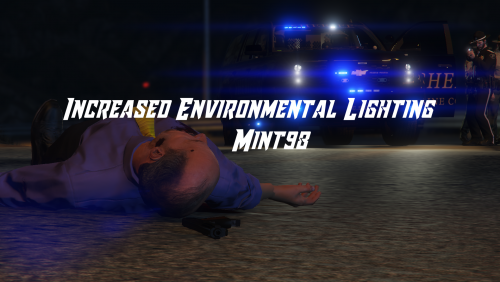 The Increased Environmental lighting on this police vehicle pack is backwards, blue flashing lights are on the right side of the lightbar and red flashing lights are on the left, but the red lighting is on the right side and the blue lighting is on the left side. Is there a way to swap the lighting around so that they correspond with the lightbar?
- 24 comments
- 9 reviews
