


limamike2190p
Members
-
Joined
-
Last visited
Everything posted by limamike2190p
-
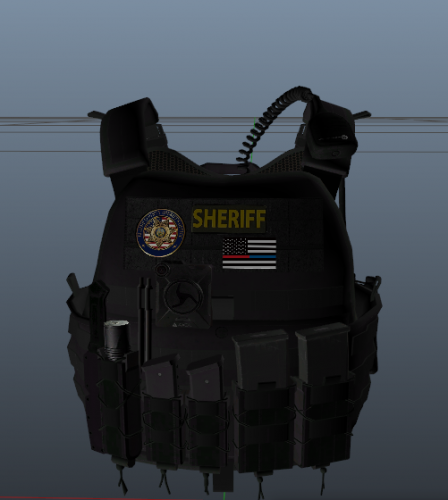 Found the install files after digging around........ It's Hanko's Vest 4; Setup 2 Install that vest from Hanko into eup_componentspeds.rpf > mp_m_freemode_01_mp_m_heist3 Then click on the ytd file and replace it with the png file from Luxe, then go click on the ydd file and look to make sure it update to Luxe's texture.
 -
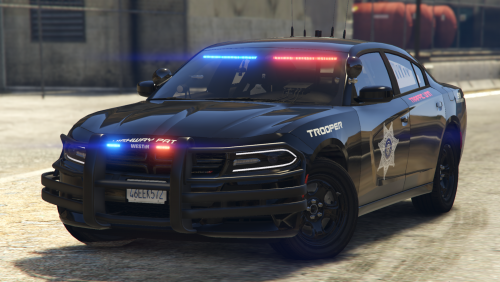 When I added this vehicle, it's showing police livery and not the SAHP livery. How do I change it? I see it under the police2.ytd; charger_skin_1 but in game it's only showing the police skin.
- 18 comments
- 4 reviews

