


.png.037a16ab914d58ac8d8caa8deb45bbd0.png)

ElJunior
Members
-
Joined
-
Last visited
Everything posted by ElJunior
-
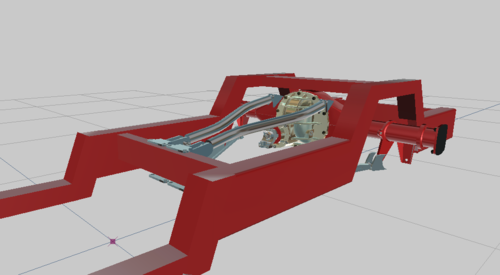 It is like the rear end of trucks that are too low and they get it done so like all the under parts of the rear dont scrape or get ripped off
 -
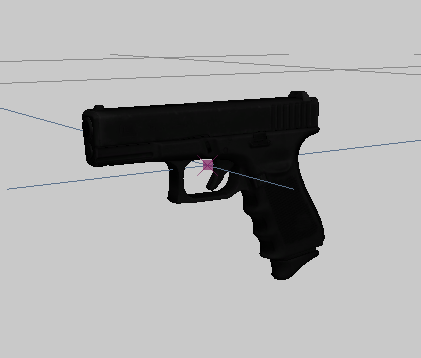 By downloading you agree to read and understand the rules listed under them thank you and I hope you enjoy
 -
This is my first part release that I converted to z3d. It comes textured and adapted ready to use. Make sure to read the readme.txt and by downloading you agree to follow whatever is said in the txt.

