jball
Members
-
Joined
-
Last visited
Everything posted by jball
-
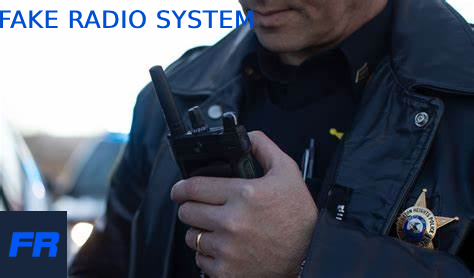 does it have the radio animation?
 -
Rage pluginhook is simply not launching. The window does not even show up. I've tried reinstalling it and update my plugins but nothing seems to work. It shows up on the taskbar for a couple of seconds and then gets suspended. I tried running it as administrator but that also doesn't seem to work. I've attached my log file here. Help would be much appreciated! RagePluginHook.log
-
 is there any way you can post the old file that goes with the non-eup belts please?
- 85 comments
- 10 reviews
-
-
-
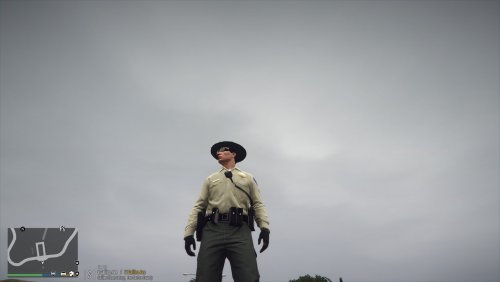 awesome belt but where did u get that radio mic from?
 -