JagleW
Members
-
Joined
-
Last visited
Everything posted by JagleW
-
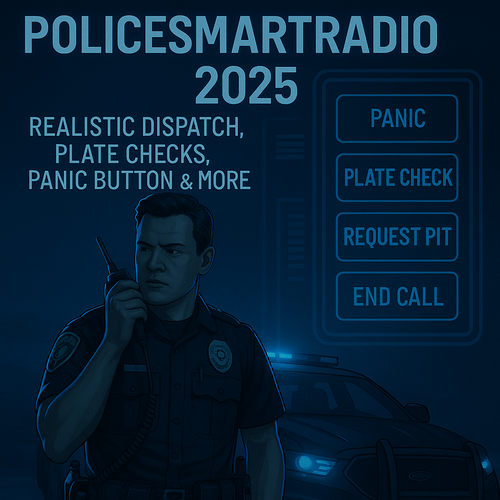 It seems like it ignores the requests from other Albo's scripts and possibly just all, for sure BetterELS too. Stuff from TrafficPolicer like coroner, tow trucks etc. don't work (yes I have the 2025 ver!). Pursuit options from UltimateBackup fail too, even tho the script tries to request them. WildernessCallouts fail. Only the default buttons work. And yes, I have the newest, 12.12.2024 version of RAGENativeUI in my GTA5 root.