JexyTheGamer327
Members
-
Joined
-
Last visited
Everything posted by JexyTheGamer327
-
-
asiloader.log
-
I put ScriptHookV back and it crashed when I load RagePluginHook. Here is the RagePluginHook.log and ScriptHookV.log ScriptHookV.log RagePluginHook.log
-
Thank you. It kind of worked. I follow your instructions and remove ScriptHookV. It works fine now. I will have to delete all my els vehicle to none-els. I think ScriptHookV is the issue when they did an update. Thank you very much.
-
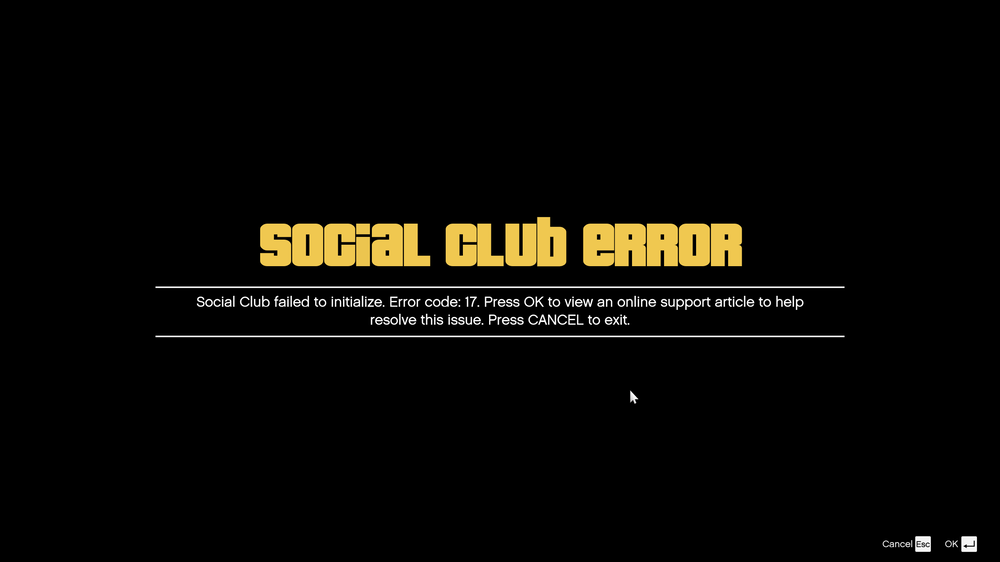
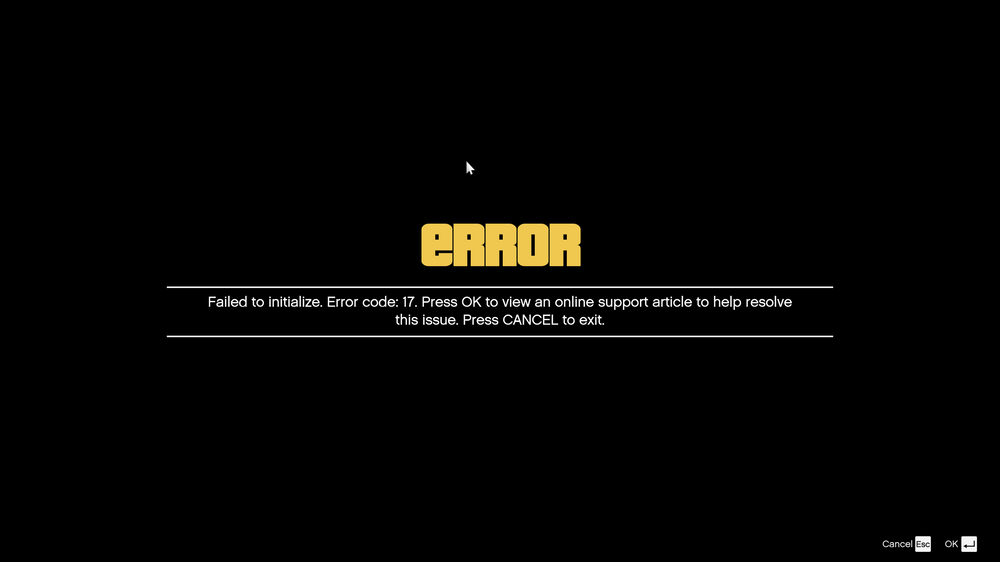
I remove ScriptHookV.dll and try again. This error showed up. I reinstall Social Club and still this error shows.
-
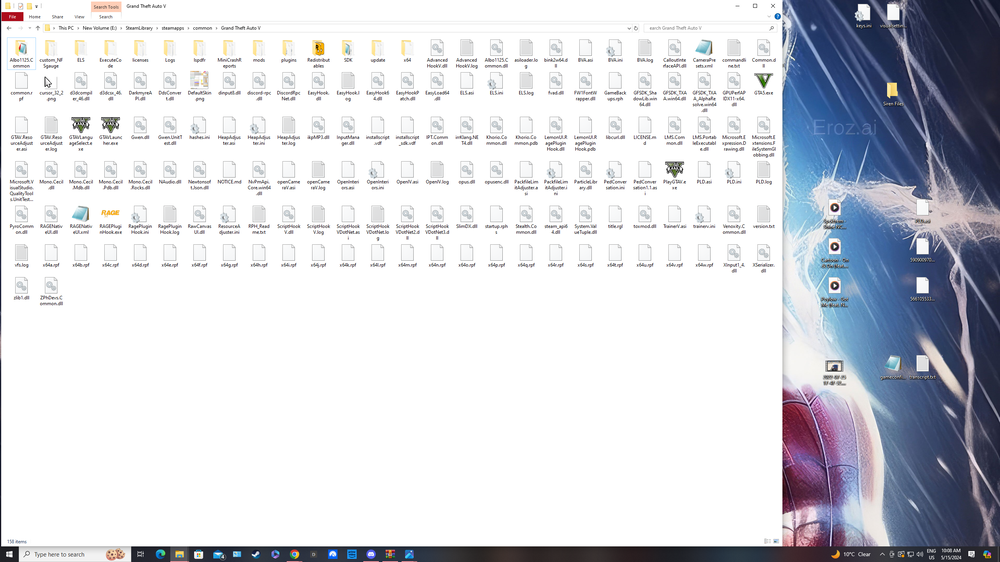
This is what shows when just opening GTA5 when I renamed my mods folder to _mods
-
-
Hello. I follow the steps. Launch GTA 5 from steam to story mode. ALT+TAB to launch RagePluginHook. RagePluginHook crashed when it launch inside the game. Here is the RagePluginHook log RagePluginHook.log
-
Good Morning, I was trying to load RagePlugin Hook after the game version and LSPDFR updated and there is an error message shows up. My game was okay before they did the update. Please help. Here is the error message says: Stream failed to initialize. Please verify that the Steam Client is running and try again
-
Hello, Els on vehicles not working. Ctl P does show in game but not light flashing. It was working fine before and first time this happened. I can hear the stage lights switching and siren does work but no lights.
-
-
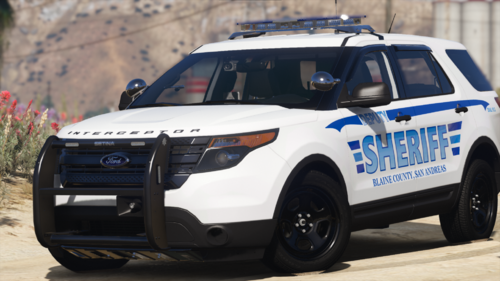 This vehicle pack looks amazing. Great Job!
 -
Hello Everyone, Does anyone know what kind of siren does the Houston Police used in their new Ford Explorer? Thanks in Advance.
-
 This is the most wonderful callouts pack I ever seen. Can't wait to try it. Great work 🙂
- 174 comments
- 34 reviews
-
- rph
- lspdfr callout
- legacy
- rph
-
Tagged with:
-
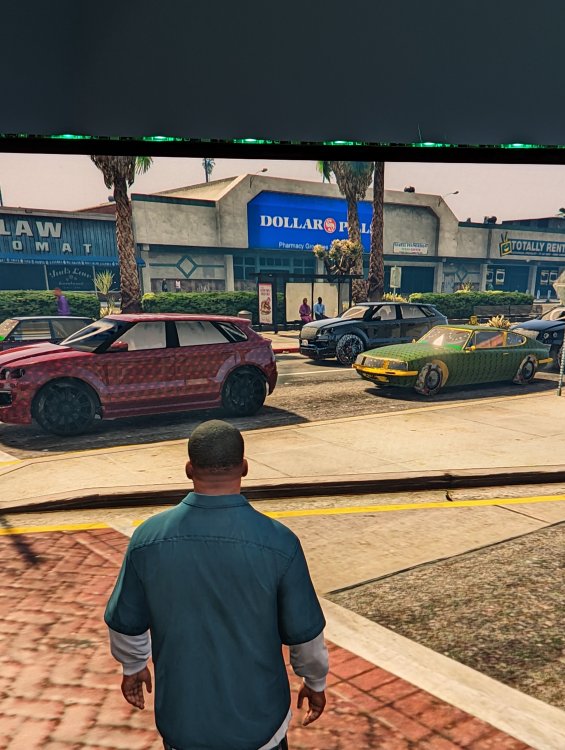
Hello, I have managed to start my game and LSPD First Response crashed and I cannot spawn any vehicles in my game. There is something wrong with the vehicles that shows weird texture on every vehicle. Can anyone help me with this? RagePluginHook.log
-
Hello, My game crash so I start over everything and still crashing. I have put Packfile limit adjuster and Heapadjuster but still crashing. RagePluginHook.log
-
Hello, I updated LSPD First Response, script hook v, packfile limit adjuster and gameconfig. Now my game is stuck on Loading Story mode with Rage Plugin Hook. Not sure what it is. I restart the whole game and reinstall everything and now it did not fix the problem. RagePluginHook.log
-
I rename by mods folder and it is working. How can I use my mods?
-
Hello, I have follow what the message said. I reinstall the game and has the same issue and reinstall LSPDFR and still having the issue. The game was okay until today when I am trying to open it and a message pop up saying Corrupt game data. Please reboot, verify the game data, or reinstall the game.
-
No I can't
-
RagePluginHook.loggame was okay and now it does not want to open. It just crashes.
-
When I load the game. after 2 mins. Rage Plugin crashes. Not sure why. It was working all fine and now it is not. RagePluginHook.log
-
Thank You for your help. It is okay for now!
-
I updated the lasted LSPD First Response and Rage nativeui and the game is crushing when force duty. RagePluginHook.log
-
RagePluginHook.log When load everything. LSPDFFR crash and even when forced duty. It was okay before but when I updated LSPDFR it has these issues. As well EUP menu keep crashing not sure why.