Blaisian
Members
-
Joined
-
Last visited
Everything posted by Blaisian
-
Yea. I just reinstalled it all again. Followed a tutorial word for word. Still not sure why it's crashing every callout.
-
Just reinstalled LSPDFR and everytime I accept a callout, the game crashes. I'm able to conduct traffic stops without issue, though anything callout I need to accept. I just can't. Not sure why, any help would be appreciated! RagePluginHook.log
-
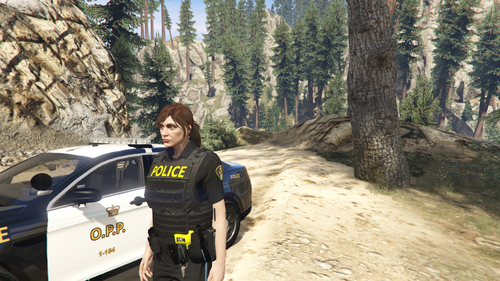 Sorry to bother again, but do I change every single agency's short name & script name to opp/O.P.P? Regarding adding variations to officers (sergeant, long sleeve & commissioned officer) is that done automatically, or must I add that in agency as well?
 -
Thanks!!!
-
When you said edit the agency & backup.xml files, what did you mean? Cause I did this so wrong... Plz help