


DP24
Members
-
Joined
-
Last visited
Everything posted by DP24
-
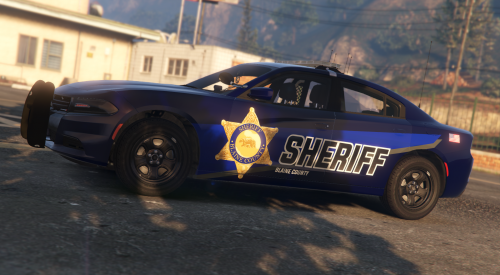 The other skins work fine except this one. Thanks for the help though and nice pack.
 -
I think the problem still exists. I uploaded what the yft file looks like when the skin is applied.
-
The 2020 Explorer skin does not seem to work correctly. When applying the skin it glitches the car entirely in game.
-
"LSDP First Response.dll" crashes when going on duty via a police station. This only happens in a police station, but when forcing duty there is no crash. The second issue I have is that Police Smart Radio will not show up in game when prompted to. I did change the ini for the plugin, and even when pressing the original button and modified button to prompt the radio it does not work. The only explanation I can think of is it started doing this when I changed ini's for other plugins I've downloaded. This is a new problem and has not happened to me before. I've included the Rage Plugin log. RagePluginHook.log
