
Dtailed Designs
Members
-
Joined
-
Last visited
Everything posted by Dtailed Designs
-
-
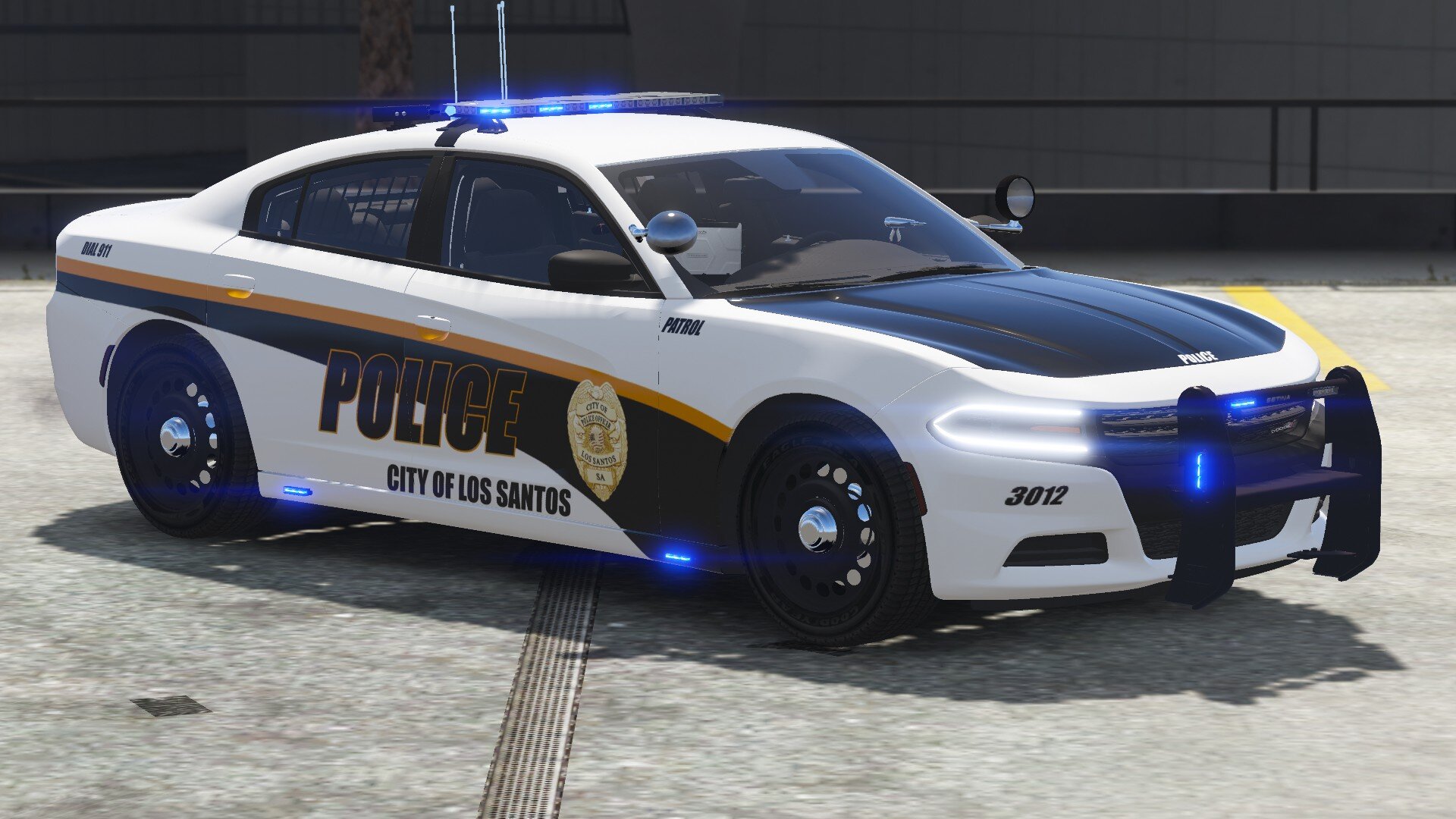
 You should use the charger from the LSSD pack by Emergency Distributors. The actual template file is for a 2019 Dodge charger pursuit which is why when using a normal 2018 dodge charger, which more than likely uses a template: 2016 Dodge charger by Matt, is does not line up. So use that one and It should work. I will also be updating this to include a texture for a normal 2018 Dodge charger that I created for a slicktop charger.
- 14 comments
- 2 reviews
-
As Devs go, I am just starting. I would like to construct a callout pack but as there is not many (none I have seen so far) that include a Bank Heist or Robbery callout. I am trying to build one using the location of @Albo1125 callout and update to the current version but I am running into issues with the locations. It gives me constant errors of: Error CS0029 Cannot implicitly convert type 'float' to 'Rage.Vector3' Now being new to this and having very limited knowledge, I know it says something about have different values such and I and R but I honestly have not a clue what this means. I would appreciate it if someone in the community could help me or even look at my code and explain what exactly I am doing wrong to bring this up to date for todays LSPDFR.
-
-
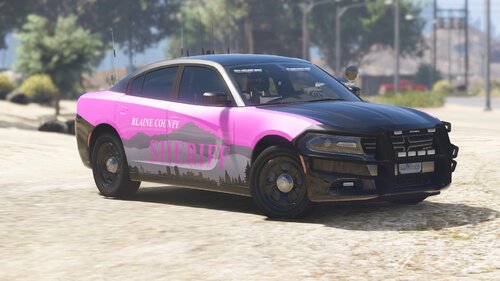
This pack is based out of Pittsburgh Pennsylvania. It is a multi agency pack with Police, Blaine county, and San Andreas State Patrol to include everyone. I know not everyone would want to run Police all the time. I changed the color scheme of the different departments so if you were to run them all together they would not be the same. Pictures taken by TruenoxX! Commissions are open for your own custom texture pack! Check me out on discord or Ko-Fi for more gorgeous files like these! https://discord.gg/xKC4ztYcrv https://ko-fi.com/dtaileddesigns/shop Included in the LSPD Pack are: 2016 FPIU with Patrol, Supervisor, Traffic unit, and Task Force textures 2018 Charger with Patrol, Supervisor, Traffic Unit, and Task Force textures 2018 Tahoe with Patrol, Supervisor, K-9, and Task Force textures 2020 Silverado with Patrol, Supervisor, K-9, and Task Force textures 2021 Tahoe with Patrol, Supervisor, K-9, and Task Force textures will create more vehicles just tell me which ones Included in the BCSO Pack are: 2018 Charger with Patrol, Supervisor, Traffic Unit, and Task Force textures 2018 Tahoe with Patrol, Supervisor, K-9, and Task Force textures will create more vehicles just tell me which ones Included in the SASP Pack are: 18 Charger with Patrol textures (for now) 18 Tahoe with Patrol textures (for now) will create more vehicles just tell me which ones With State Textures as they respond all around the map are: 2010 F350 Coroner Riot Brute Suppressor Flat bed Tow Truck Tow Truck 2 F-550 Ambulance Pierce Arrow Fire Engine Planned Vehicles and Agencies: Crown Vic Mustang? Park Ranger? Install instructions: @OfficerBenzo New live stream featuring the pack along with installation. Benzo does amazing video editing and content for LSPDFR so please show him some love! I believe I have mentioned everyone for the original cars in the credits text but if I have forgotten anyone please let me know. DO NOT CLAIM AS YOUR OWN WORK, MODIFY, REDISTRIBUTE, OR USE FOR ANY FORM OF COMMERCIAL, FINANCIAL, OR PERSONAL GAIN. I AM NOT OR ANY CONTRIBUTORS TO THIS FILE WILL NOT BE HELD RESPONSIBLE FOR ANY DAMAGE CAUSED TO YOUR GAME, OR THE SYSTEM ON WHICH YOU STORE THIS FILE ON. You may stream videos, post pictures or do whatever as long as you link or credit this file or author. Vehicles Used: https://gtapolicemods.com/files/file/183-2010-ford-f350-coroner-truck/
- 14 comments
- 2 reviews
-
-

-

- 4
-
-
there was a new update for the gameconfig file i use that was released after the tuner update. and I am not familiar with the mods you are using in the not working list as i do not use them. I use plugins and still using visualV and NVR together. I use almost all of bejoljo's plugins and random callout packs. I got my game working fine with those. I can send you a list if you want. also, if I may ask, are alot of those mods that are not working openIV mods? I have been having trouble with the package installer with openIV installers. it caused me to have a failed zlib call error. so i stopped using those files. I hope your time with RPH hasnt come to a close but if you want I can still continue to help you and see if we can get it running
-
Happy to help!
-
I am so glad it worked! A legend I am not haha, simply learning from mistakes of mine as you are. My game hasn't been working as I have been getting a zlib call failed notification for the last 2 days and I believe I have finally figured it out. I am getting better finding mistakes as I am learning to program my own game from scratch which in turn is helping me find errors with lspdfr lol. If you have any future problems, don't be afraid to reach out to the community or myself.
-
try opening your RPH console and setting your plugin timeout threshold to 60000. also try deleting your commandline.txt file in your game directory.
-
Try removing the vehicle addon packs you installed one by one until the game loads. it sounds like a file in an addon is not installed right or is corrupt
-
Can you please upload the ragepluginhook.txt log found in your game directory in file explorer
-
I had this problem and for some reason when I updated through steam it did not create a Patch Day 25 folder in dlcpacks. So I had to delete my mods folder and create a new on. I did not even give me PD25 in openIV that is why I had to delete it. I created a new one through openIV my reinstalling the asi tools and cameras then copied the update and x64 folders into mods and it loaded the game perfectly. Try doing this and see if it helps. if not, try to update your gameconfig.xml files
-
Try verifying your game files through steam and then reinstall LSPDFR again. It looks like its missing a line. I have been having problems with EUP doing this and crashing my game once I reinstall it loads
-
Try using a new gameconfig.xml file and see if that helps. you can download them from gta5mods.com. (only place I know where to get them) if not, send me your RPH log after the crash Devix, your game is not working either? try to verify game files through steam by clicking manage>properties>local files>verify integrity of game files. Its going to take time but should help. If not, also send me a RPH log
-
I use the steam version and for what ever reason it did not create the patch day 25 folder. I deleted my mods folder and recreated it using openIV, copied the update and x64 folders back into the mods folder and it loaded perfectly and I was even able to go on duty. Also make sure you update your gameconfig.xml files.
-
I fixed mine, here is how! I use the steam version and for what ever reason it did not create the patch day 25 folder. I deleted my mods folder and recreated it using openIV, copied the update and x64 folders back into the mods folder and it loaded perfectly and I was even able to go on duty. Also make sure you update your gameconfig.xml files.
-
Reinstall EUP and all of Bejoljo's Plugins you are using. There is likely updates for a few callout packs as well.
-
No it wont as you have not deleted the plugins or mods folders. I would recommend that you create a copy of the base game and set one up for LSPDFR and leave one to play GTA Online to avoid the back and forth of the installing and deleting
-
Please post your RPH log from you game directory.
-
If you are using the steam version of the game verify your game files through steam and it should update your game. GTA V needs to update as you have already updated rage plugin hook and LSPDFR
-
Try to reinstall eup menu and eup law and order and serve and rescue. That should fix it. if not, did you update the game?
-
With the new update I get an infinite loading screen. I verified game files. Updated SHV and LSPDFR. I get to the loading screen at times and the game will just crash with a message saying it could be related to a bug in RPH. I reverted my game version and just get a constant loading screen now as well and I am assuming that one is related to the updated SHV vs the old patch. I was having random crashes quite a bit prior to the update today but now I cannot play at all. I have even tried launching RPH through main directory as RPH was apart of LSPDFR this time and still did not work. I have also update my gameconfig.xml file to no avail RagePluginHook.log
-
Open the rage console by clicking rage and holding shift until the console opens. Then click the plugins tab and select dont load any plugins on start up. To remove mods folder and set it to _mods go to the GTAV directory in file explorer and locate your mods folder and rename it to _mods.
-
-
This worked, I had to do the same with Ultimate backup, StopThePed. Other than that the game now loads and it loads on duty now aswell. Thank you!