



Dtailed Designs
-
Joined
-
Last visited
File Comments posted by Dtailed Designs
-
-
-
6 minutes ago, bjackson1991 said:
Wait, what? you paid Dtailed Designs to use his vehicle?
Yes he purchased some vehicles so he could do this, they are solely his vehicles that I was able to sell to him
- bjackson1991 and PhaZe
-
 1
1
-
 1
1
-
-
On 9/1/2023 at 6:57 PM, JohnTheKingDouglas said:
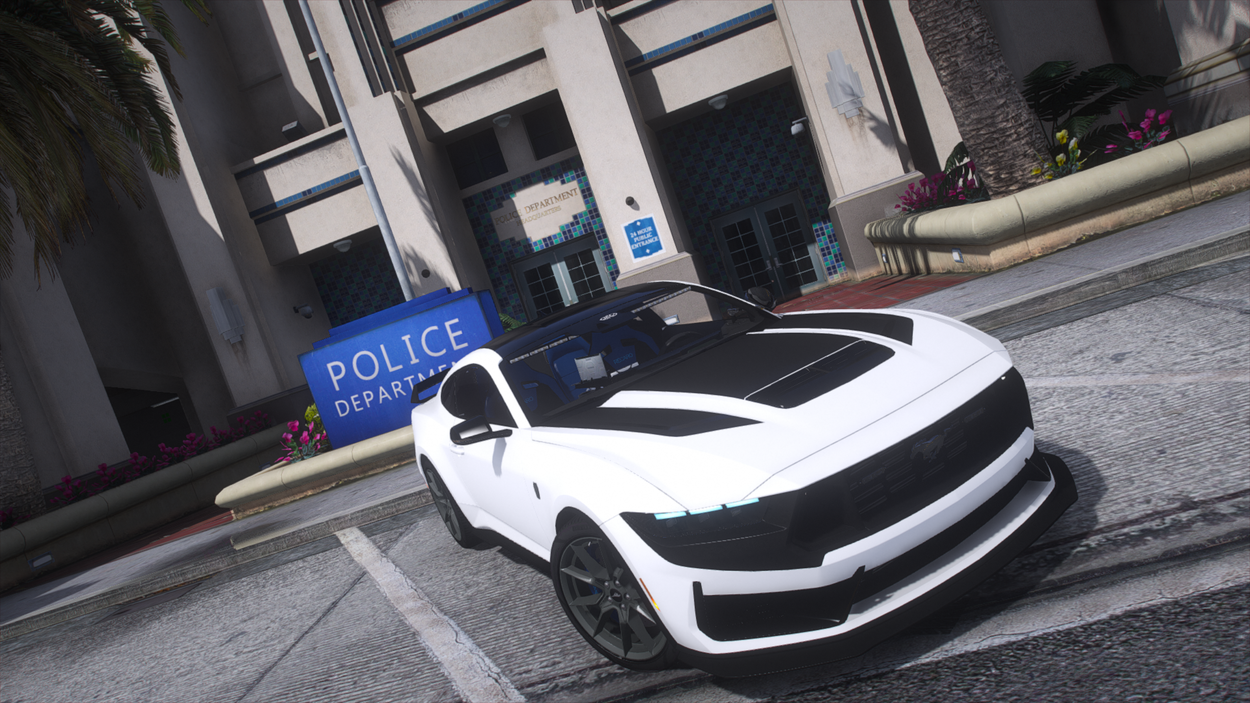
Simply epic! Thanks a bunch, know it takes a fair amount of work to make our games look good! Appreciate it! 😃 Quick question what handling lines do you recommend for the mustang?
I used police 2 and police 3. Covers the mustang and the explorer pretty well
-
10 hours ago, Parzival.Zio said:
I love ya, man! I love the car.
Although, what's with the legacy lightbars setup? Can we have Whelens? LOL
I have a Whelen set up on alot of builds lol. You can join my discord and check them out, Right now I have a new Whelen FPIU about to roll out. Can also make a new Whelen mustang
-
27 minutes ago, Yoshiplays213 said:
there are some issues for the mustang is that the front visor lights dont work and the car has a weird clipping issue where it looks like another model is inside of the car
interesting, I will update! Join the discord and I will send to you directly
-
-
-
 On 1/21/2022 at 12:07 PM, jkiwi202 said:
Yeah, departments like Davis, Chumash, La Mesa, Mirror Park, Campus Police. I mean I am sure whatever you come up with will be awesome.
Join my discord and we can discuss this, https://discord.gg/Njmukc3E
-
 1 hour ago, Zach4231 said:
Will there be a LSPD version?
https://discord.gg/sAgvcUh5 Join my discord
-
1 hour ago, jkiwi202 said:
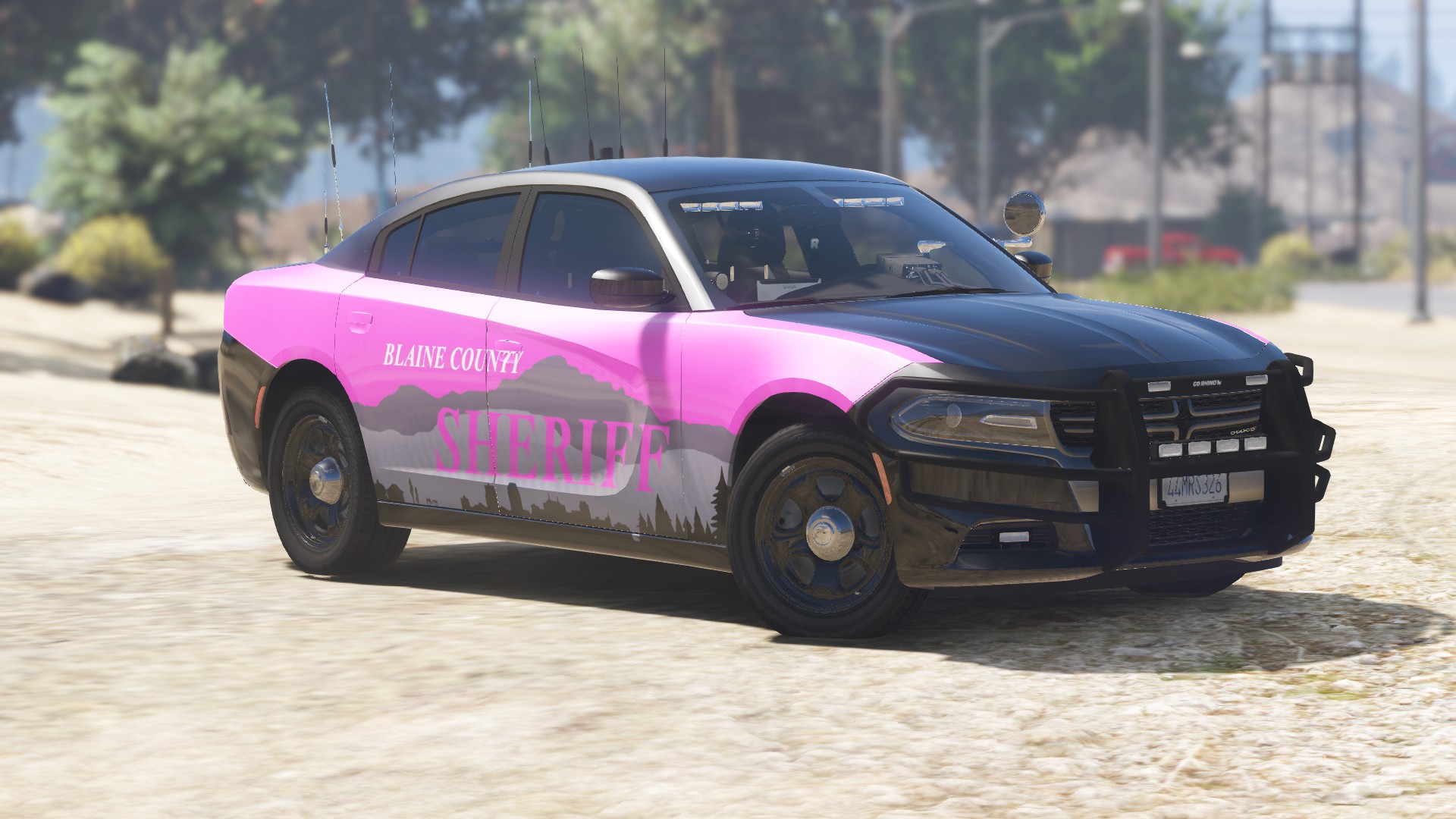
I would like to see the Ford Responder (Fusion) and Durango. The skins look great though. I wish we could come up with more skins for the smaller known agencies in the map.
I will look into getting those templates and making those, and skins for like Harmony, Sandy Shores, Grapeseed, Paleto Bay?
-
-
Edited by Dtailed Designs
17 hours ago, philmcracken519 said:I tried to get the BCSO 2018 charger texture to line up on about 4 different Charger vehicles and they call came out with the rear end with an odd swoop and the text printed sideways on the hood. Which model 2018 Charger should I use?
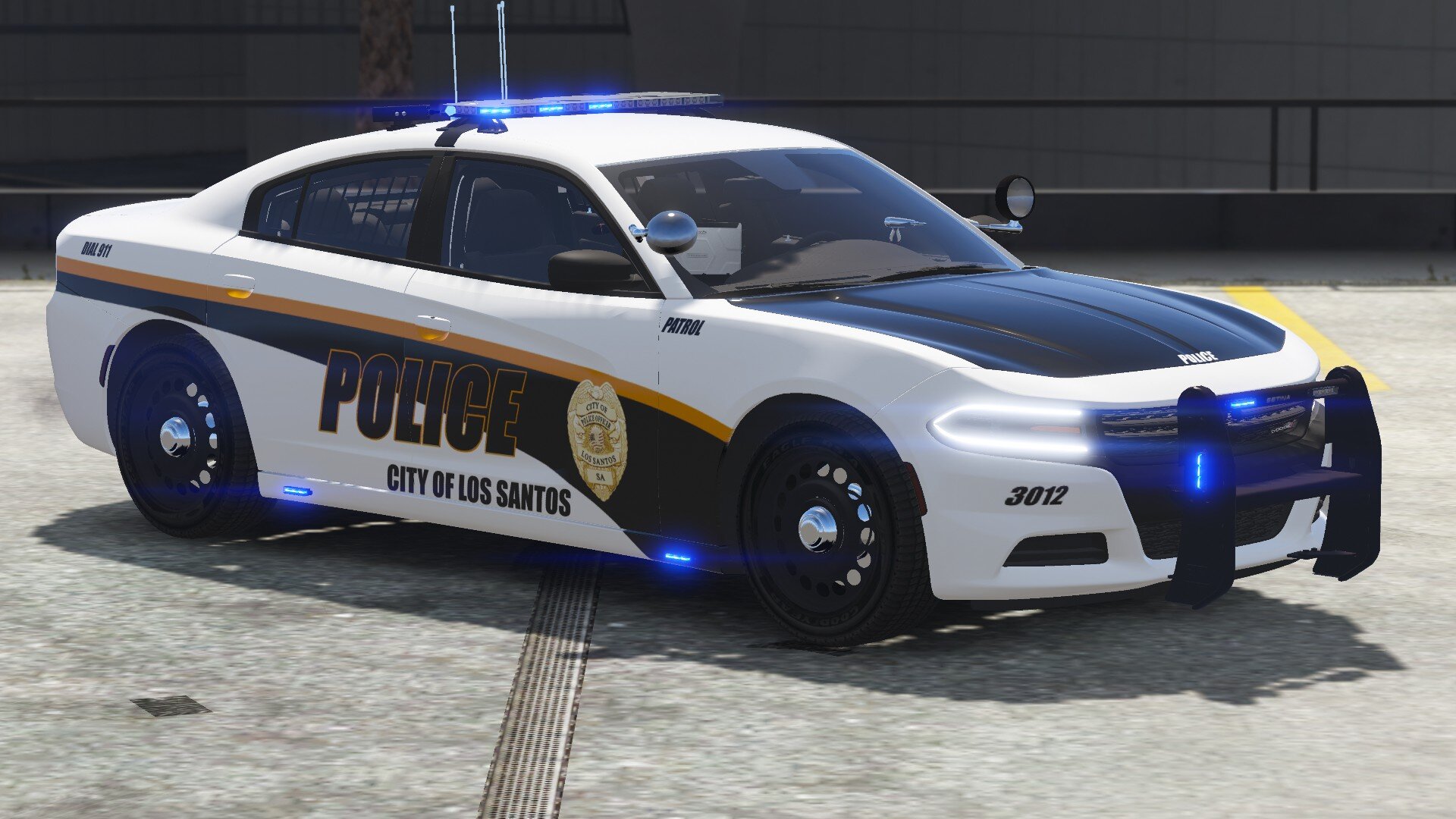
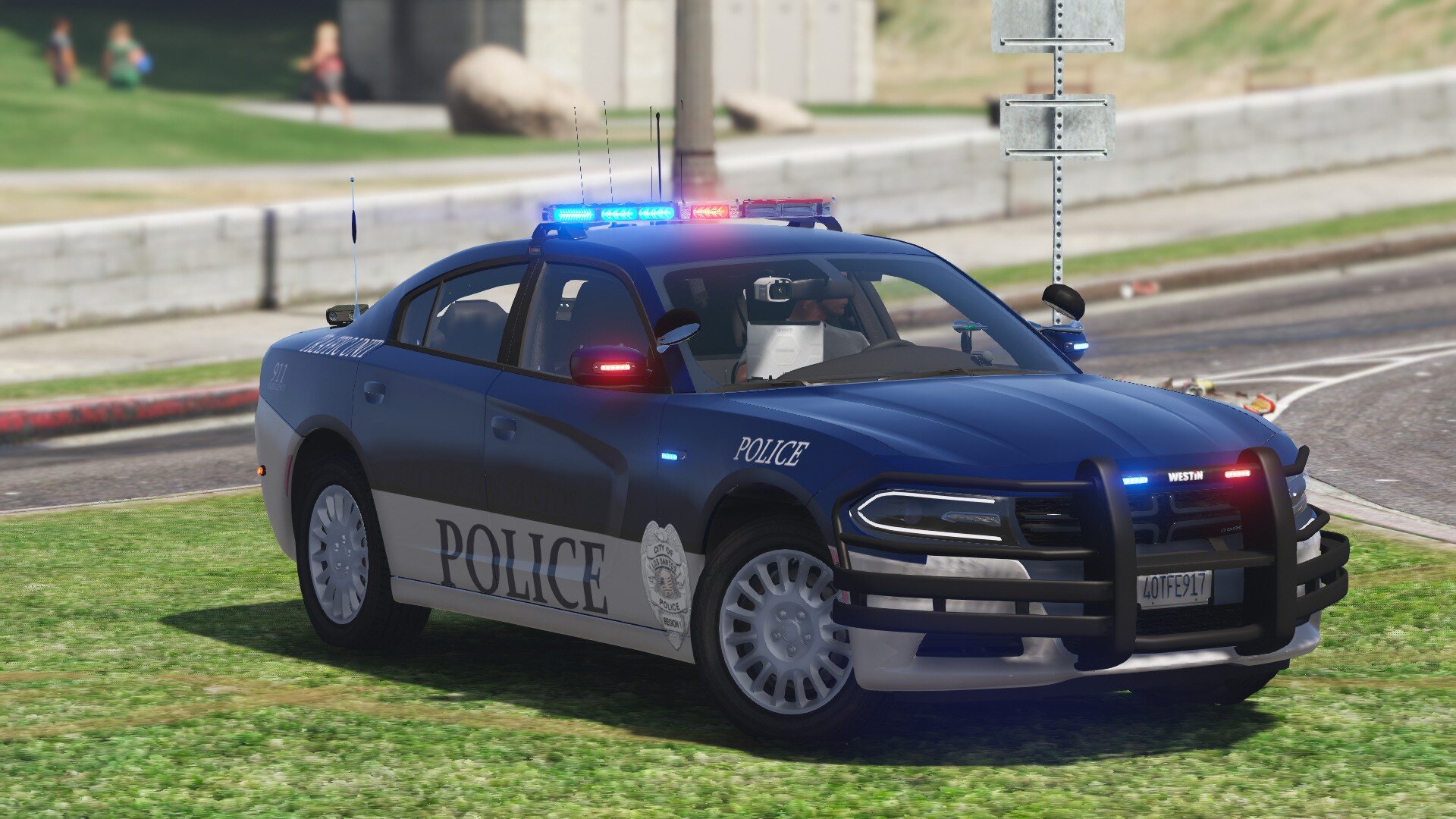
You should use the charger from the LSSD pack by Emergency Distributors. The actual template file is for a 2019 Dodge charger pursuit which is why when using a normal 2018 dodge charger, which more than likely uses a template: 2016 Dodge charger by Matt, is does not line up. So use that one and It should work. I will also be updating this to include a texture for a normal 2018 Dodge charger that I created for a slicktop charger.
-
-
-
-
Edited by DTailedKill3er
This does not work for me, I installed correctly and it just crashes my game for LSPDFR. Then when I try to remove it, my game continues to crash. I feel like it is something to do with Nodes but by no means am I an expert. I followed a tutorial on youtube by Geoffrey_Gamer. Help?
Only way I could get my game to work again was recreating my mods folder and re-installing my vehicles and visual v and etc.
-
-
-
 22 hours ago, Windmaster1001 said:
Did you make a tutorial yet on how to install it?
I did not, but it is not that hard. Install your vehicle of choice. Install my pack, drag the selected vehicle skin to your desktop. Find the YTD file and open it in openIV. Locate the search bar, search for the sign E.x (Chgr_sign_1) and click it. In the top right hand corner there will be a replace option, click that. it will give you the option to find the file you wish to replace the texture with. Select the file(s) you chose to drag to your desktop and click okay, It should load my skins into openIV and replace the old texture. Do this for all vehicles and if there is multiple textures replace all of them one by one with my textures and liveries. Its the way I do it.
-
@OfficerBenzo I updated the files so you wouldnt have to convert them. @InsaneFERFERGlad you got it to work
-
Edited by DTailedKill3er
Thank you! Can't wait to see the video!
On 11/4/2020 at 1:18 PM, InsaneFERFER said:Couple things...
1. Some textures (I think the CVIC, 16FPIU, and now the 20FPIU) are in the wrong format. I noticed they didn't work until I went into paint.net and converted them to DTX5. No problem for me, but others may not be aware of the issue as to why these textures might not be working for them.
2. Any way you can create a 20FPIU texture for a '20 FPIU model that utilizes stage 1 lights (yellow/amber lights)? I like using the SEC lights but this model doesn't have them.
Other than that, these textures are great and I really like the vehicle models you used.
Thanks,
You should be able to find a 2020 FPIU with sec lights that fight this Texture. I only created the texture not the vehicle model, sorry. As far as the DXT5 I will have to recompress them and re-upload them so they work correctly, sorry about that
-
1 hour ago, bjackson1991 said:
guessing my pack was used for the 2020 FPIU that doesn't have pics yet?
I had the pics just hadn't posted yet because I was still working on some textures. and then going to take the pics all together. The pics of your 2020 FPIU is now posted and the Main pic on the file because I like the way the 2020 FPIU came out with the Textures. Hope you enjoy the pack!
-





18 State Charger Pursuit
in Vehicle Models
Benzo made a video using that vehicle
https://www.youtube.com/watch?v=TEDYOZOxUqc