Skip to content
View in the app

A better way to browse. Learn more.

LCPDFR.com

A full-screen app on your home screen with push notifications, badges and more.

To install this app on iOS and iPadOS
  1. Tap the Share icon in Safari
  2. Scroll the menu and tap Add to Home Screen.
  3. Tap Add in the top-right corner.
To install this app on Android
  1. Tap the 3-dot menu (⋮) in the top-right corner of the browser.
  2. Tap Add to Home screen or Install app.
  3. Confirm by tapping Install.

Andromeda320

Members
  • Joined

  • Last visited

Everything posted by Andromeda320

  1. My LSPDFR crashing 🙂 I'll try. Thanks for your suggestion.
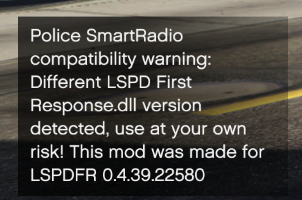
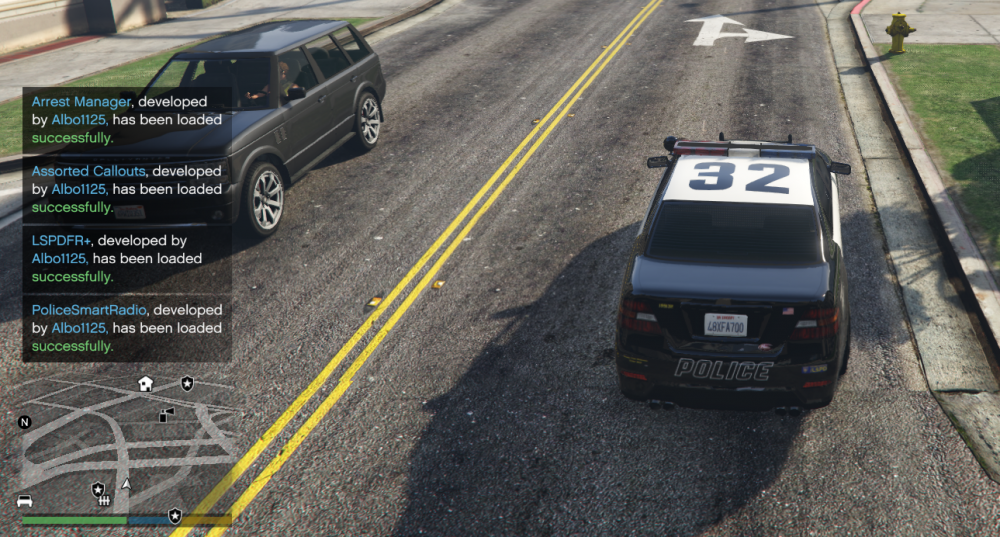
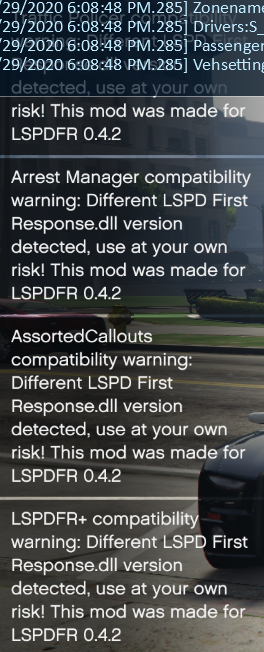
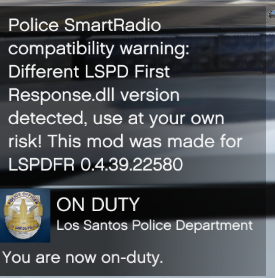
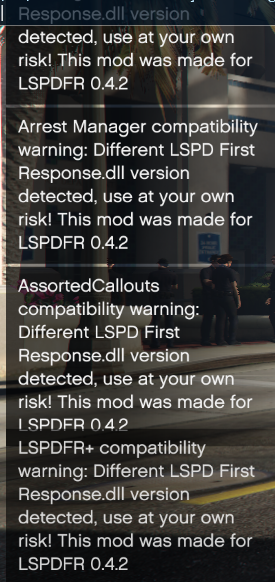
  2. Hey there; I just installed the latest version of the app and have the following plugins: LSPDFR+ (Better Traffic Stops, Court System) Police SmartRadio - The Successor to Police Radio! Traffic Policer (Breathalyzer, Traffic Offences, Speed Detection & more) Assorted Callouts (Bank Heist, Store Robbery & More) Arrest Manager (Grab Peds, More Jail Points, Prisoner Transport & more) Albo1125.Common https://github.com/alexguirre/RAGENativeUI/releases/tag/1.6.3 Here is the messages before crashing Lspdfr first response crashes when i take the task. How can I fix this? You can see RagePluginHook logs in attachments. RagePluginHook_29072020_145721.log
Account

Navigation

Search

Search

Configure browser push notifications

Chrome (Android)
  1. Tap the lock icon next to the address bar.
  2. Tap Permissions → Notifications.
  3. Adjust your preference.
Chrome (Desktop)
  1. Click the padlock icon in the address bar.
  2. Select Site settings.
  3. Find Notifications and adjust your preference.