Skip to content
View in the app

A better way to browse. Learn more.

LCPDFR.com

A full-screen app on your home screen with push notifications, badges and more.

To install this app on iOS and iPadOS
  1. Tap the Share icon in Safari
  2. Scroll the menu and tap Add to Home Screen.
  3. Tap Add in the top-right corner.
To install this app on Android
  1. Tap the 3-dot menu (⋮) in the top-right corner of the browser.
  2. Tap Add to Home screen or Install app.
  3. Confirm by tapping Install.

Khuutznetsov

Members
  • Joined

  • Last visited

About Me

Hey, Im Alexander, or for short Alex!


I'm your run of the muck police enthusiast, I play a decent amount of FiveM with friends.


If you wish to contact me for whatever reason you can do so by friending me by: alexanderkhuutznetsov on Discord, or via by my Steam, which is located down below on my profile info.


Besides playing FiveM, I do occasionally do Amateur DJing along with just sitting in Voice Calls with people on hours on end, so as stated before, if you're lonely or just bored as hell, hit me up and I might talk with you. 


Other than that, I hope you have a marvelous day or night!

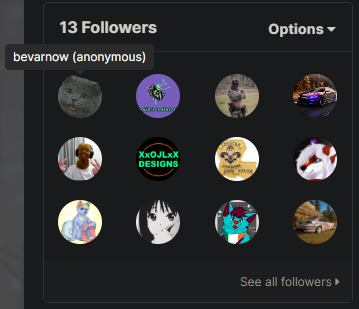
Mister bevarnow is scared to say it, but he's following me.
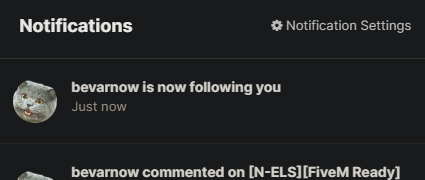
Could contain: text, screenshot, fontCould contain: text, screenshot


Account

Navigation

Search

Search

Configure browser push notifications

Chrome (Android)
  1. Tap the lock icon next to the address bar.
  2. Tap Permissions → Notifications.
  3. Adjust your preference.
Chrome (Desktop)
  1. Click the padlock icon in the address bar.
  2. Select Site settings.
  3. Find Notifications and adjust your preference.