
Khuutznetsov
Members
-
Joined
-
Last visited
Everything posted by Khuutznetsov
-
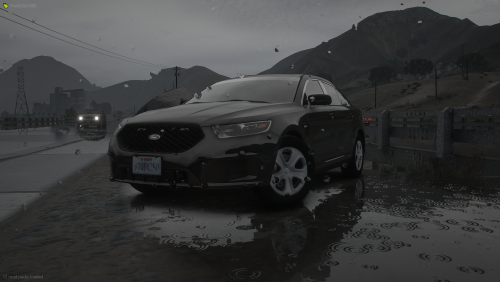 Any pics with the lights on? Interior? It looks good from the screenshots alone, but it'd be nice to see more.
 -
-
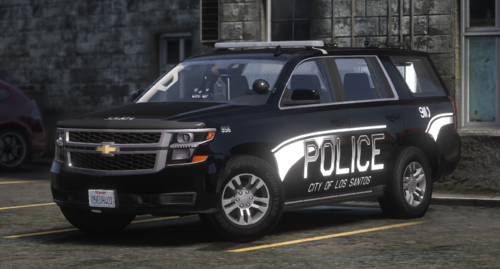 Out of debatebly hard work, and extensive procrastination... I present to you a un-needed, generic Tahoe! || ** INFO ** || This is well, a 2017 Chevy Tahoe, outfitted with ALL Whelen lighting, based around the Whelen Century Elite || ** FEATURES ** || - Whelen Century Elite lightbar R/B & B/B with a somewhat-custom pattern by me. (EXTRA 3) - Whelen Inner Edge XLP (EXTRA 4) - Whelen Avenger (EXTRA 5) - Pushbar w/ Lighting (EXTRA 1) - Wraparound (EXTRA 2) - Rear-Lighting (STATIC) - ALPRs (EXTRA 6) - Interior Props - Premade LSPD liveries custom made by me. (I know they're bad) - All Blue optional lighting! || ** DISCORD ** || If you like my work, I'm usually posting more of what I'm working in here! https://discord.gg/BCJVeBQ
 -
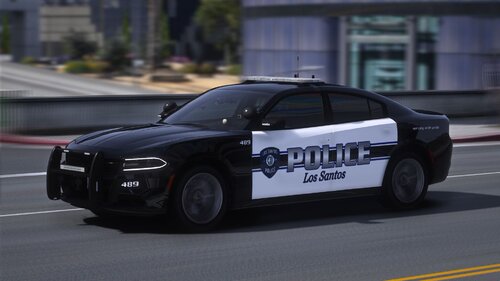 I know I am ages late to this, but if I may ask why. Why did you go through the hassle of making a 18 tahoe, and even showing it off (I know you did it on accident), yet not want to upload it?
- 84 comments
- 5 reviews
-
-

- 1
-
-
-
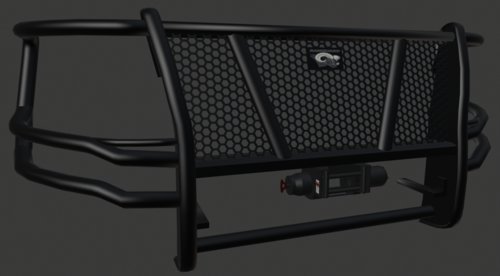 Hello! No its not a Karen, I currently am his manager. I multiple times was in a voice chat with him, and made him aware of the high poly count, and he put me under the impression of that he was fixing the issue. I am also pretty sure another friend of ours is working on poly crunching, but I am not 100% on that. I can though however speak to him about this, but if you wish to, you can still import the .obj file into blender, and crunch the polys in which ever way you do so.
 -
I mean, unless its something *Im* doing wrong. My relief gives yellow lines accenting the angle I put it at. Edit: I practically fixed it, by simply making my patch wayyy bigger, and then down scaling it.
-
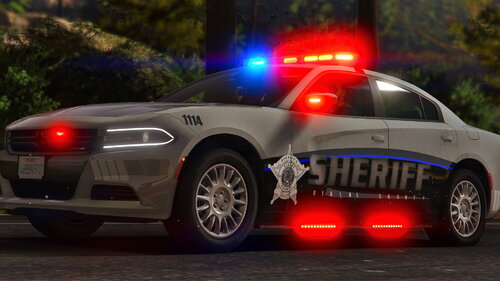 I absolutely love these cars, and they perfectly pair up with the uniform! And though this might've not been the original intent, I love the semi-"Thin Blue Line" theme going, which makes me ask, is, or was there any plans on making a B/B or B/W version of this?
 -
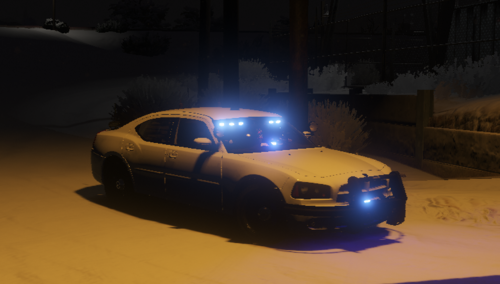 Not gonna lie, this just sounds like the Valentino Sound pack. What differences are there?
- 10 comments
- 3 reviews
-
-
- 1
-
-
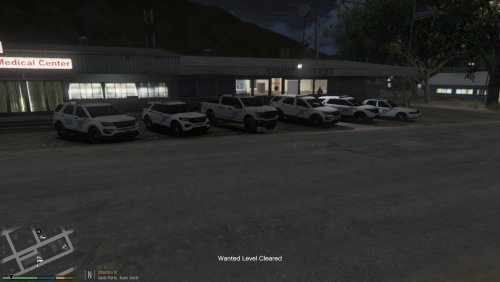 As someone who lives in Jefferson Parish, these cars are absolutely phenomenal!
- 14 comments
- 1 review
-
-

- 1
-
-
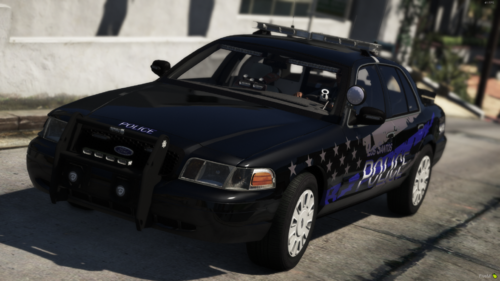 Looks like Riverton Police department, Ive been working on a skin pack that looks similar to this.
- 7 comments
- 1 review
-
-
- 1
-
-
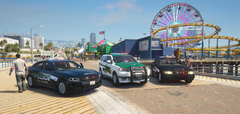
From the album: Sergeant Davidson's "Adventures"
-
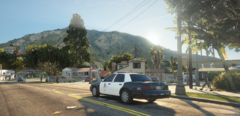
From the album: Sergeant Davidson's "Adventures"
-
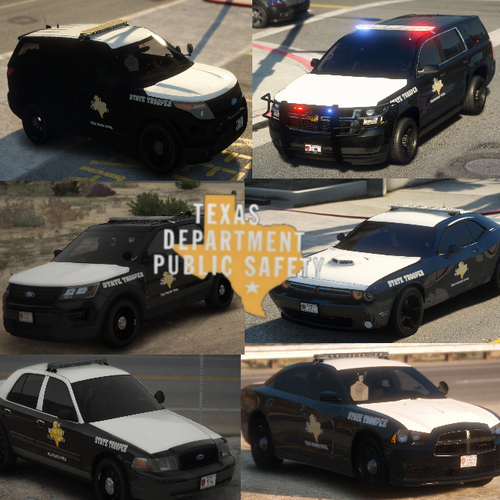 Awgh hell yea doggy! I've been waiting for a Texas DPS pack for a bit now! Its always been skin packs, and yea thats great and all, but I wanted a actual pack! Thank you so much!
 -
-
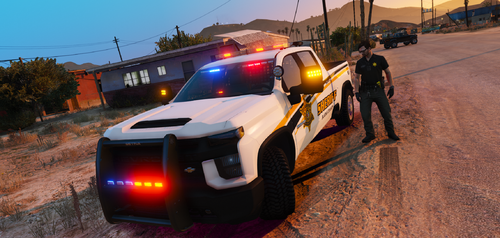 So I don't know if this has been stated before, but why did you make the pack RnB, when irl Charleston county runs all blues?
- 36 comments
- 2 reviews
-
-
- 1
-
-
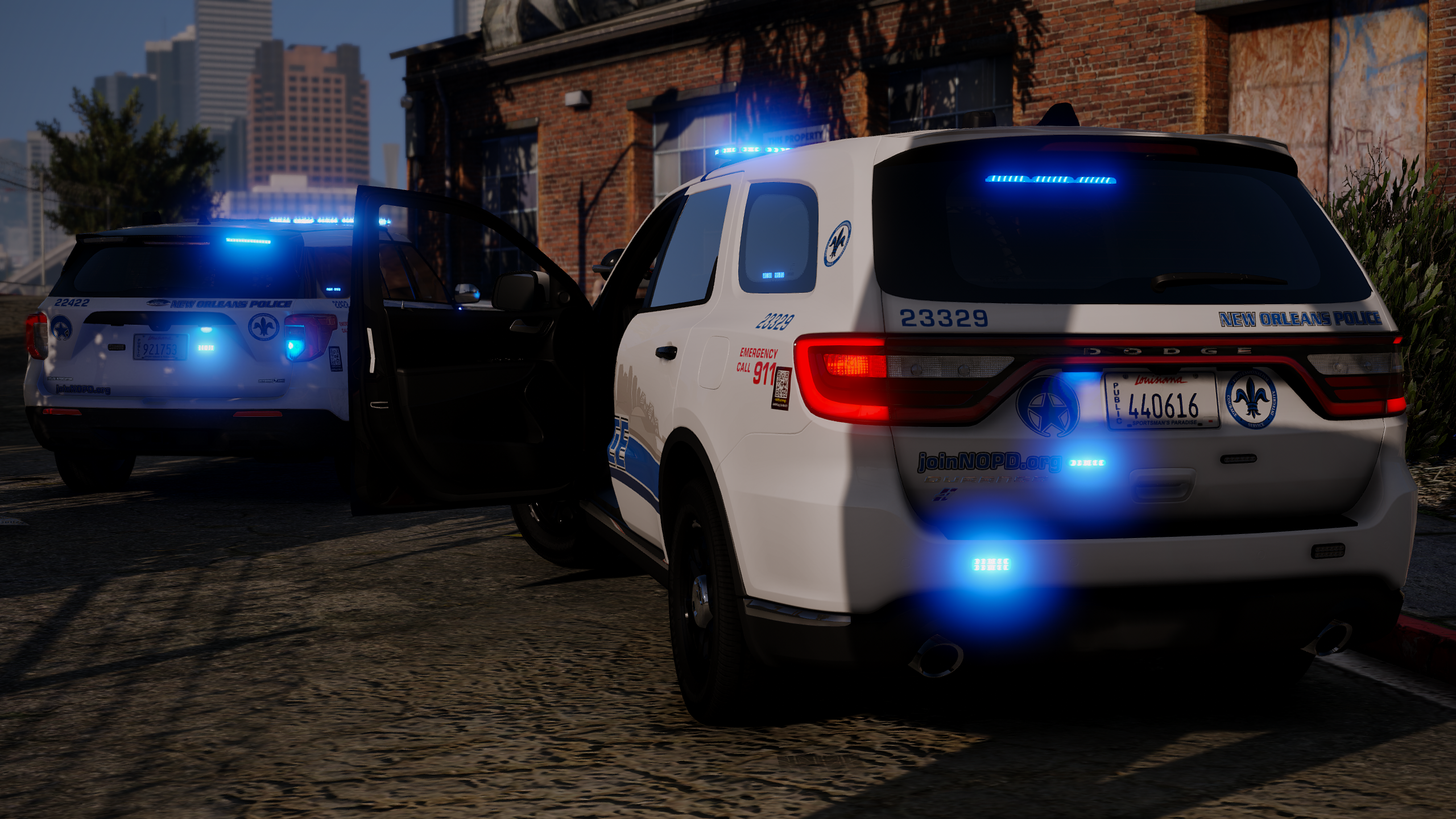
 Not gonna lie, the color scheme of these cars sort of look like Orleans Parish down here in Louisiana.
- 75 comments
- 19 reviews
-
-
- 1
-
-
-
 Is there a red and blue version of this? As I really like the lighting setup, but all my cars in my game are RnB.
- 8 comments
- 1 review
-
 Is there a possibility that we can get skins for more ELS vehicles, as for example, I noticed both bxBug's CVPI along with F5544's CVPI were both labeled as Non-ELS upon going to find them (Please do correct me if Im incorrect on that statement)
- 71 comments
- 16 reviews