



Cledus
Members
-
Joined
-
Last visited
Everything posted by Cledus
-
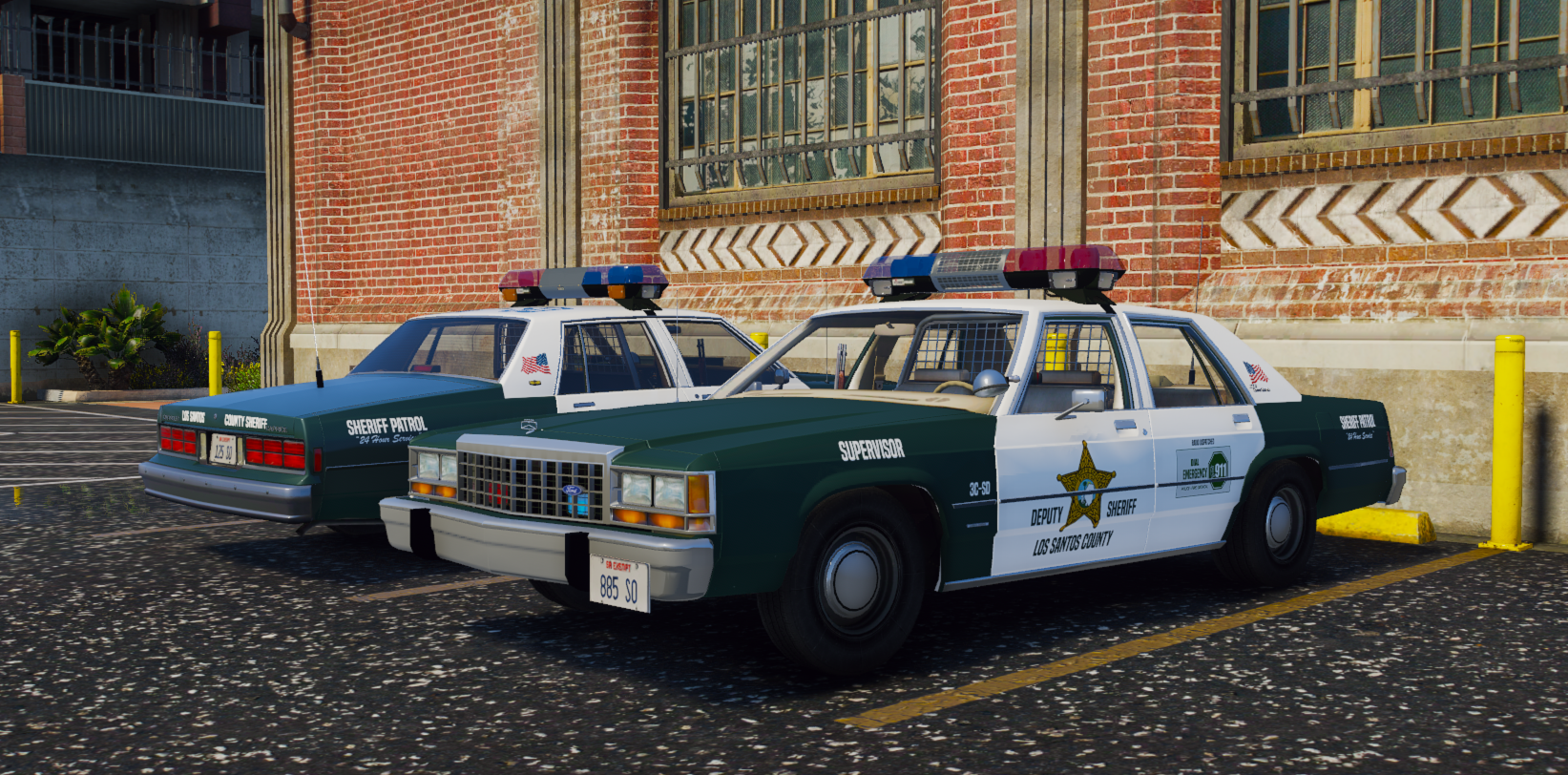
Is there anyway to still get a hold on these files? I would really love to patrol and mess around with these cars. Please do let me know if there is, from what I can see they look amazing, Great Work!
-
 This pack is straight vibin
 -
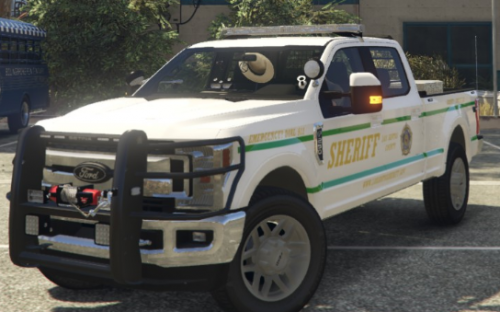 2019 FORD F-250 LSSD SKIN This skin is made for Ripple's 2019 ELS F-250 form the San Andreas State Parks Pack It has two green stripes running down each side of the truck as well as A large Sheriff Los Santos County lettering scheme and the LSSD seal. This file includes the .ytd with the skin that you can rename to whatever file you have installed it to, as well as the raw image that you can replace within the .ytd if you prefer. You MUST download this file for this skin to even be usable: (Again HUGE thanks to @Ripple for this file)
 -

