
JanoR2020
Members
-
Joined
-
Last visited
Everything posted by JanoR2020
-
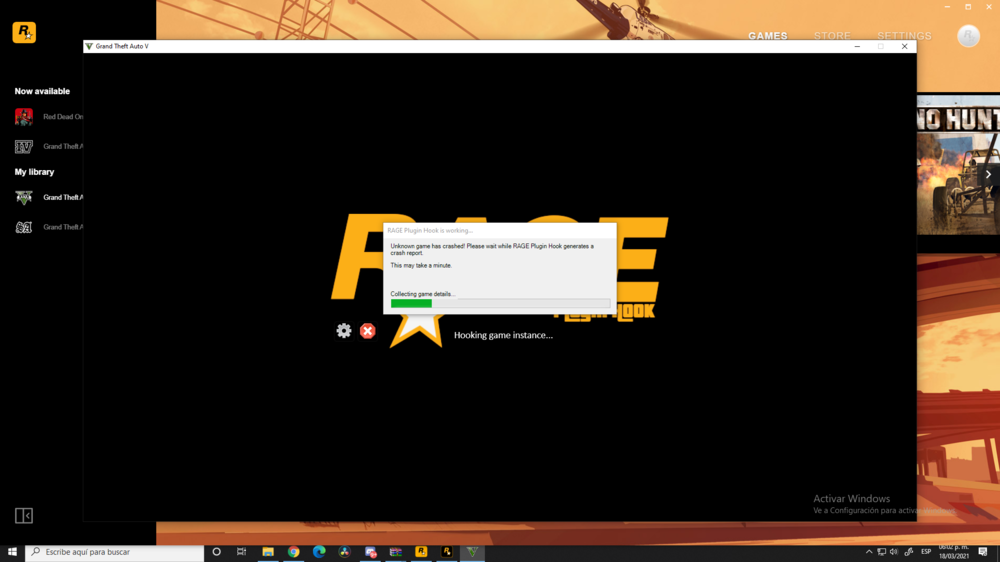
I did it and now I have a crash :S, could you please help me?
-
Hello Partners; Im trying to install the new LSPDFR in my GTAV (Rockstar Launch) but it says that the version is not accepted Is there any other version for Rockstar LAucnher?

-
I can't copy it here but there is a lot of lines of information I just get into the LSPDFR and I don't know how but it's crashing after 10 minutes of playing :S Thank You so much! @A Stranger
-
I don't found it There is not in the GTA V File
-
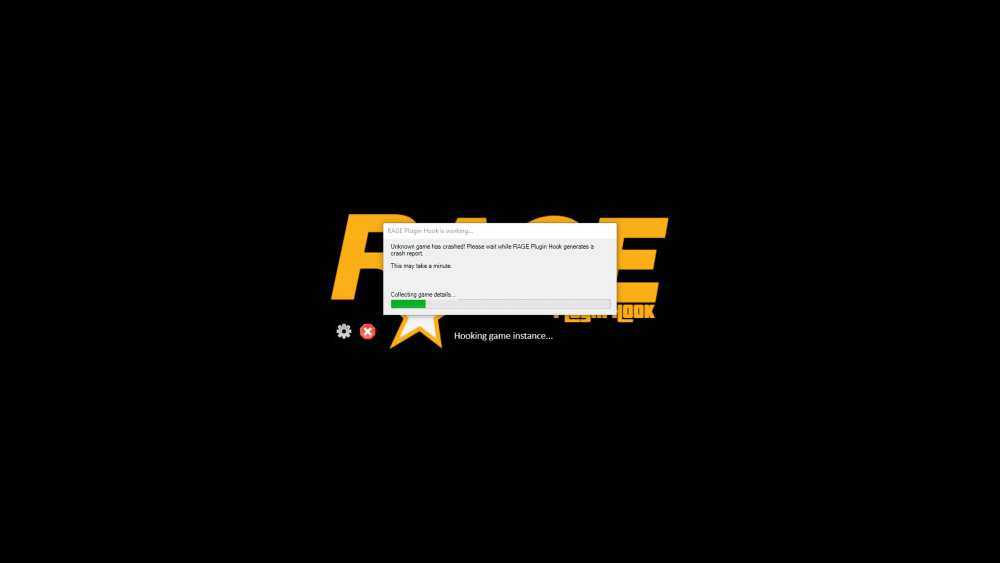
This is the crash What it could be? No, I cannot play Now I have Crash 😮 [Miscellaneous] DisableRenderVersionText=True ConsoleKey=F4 ShowConsoleCommandInfoOnPluginLoad=False PluginTimeoutThreshold=60000 [Variables] IsDeveloperModeEnabled=False ConsoleKey=F4
-
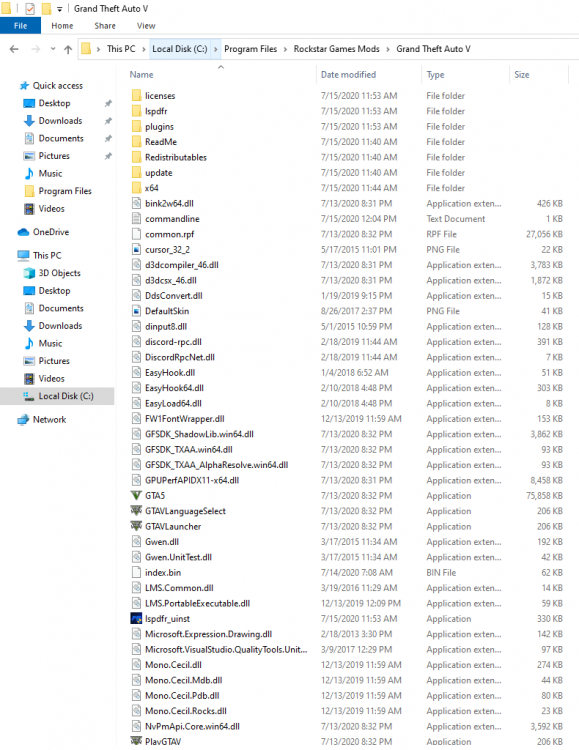
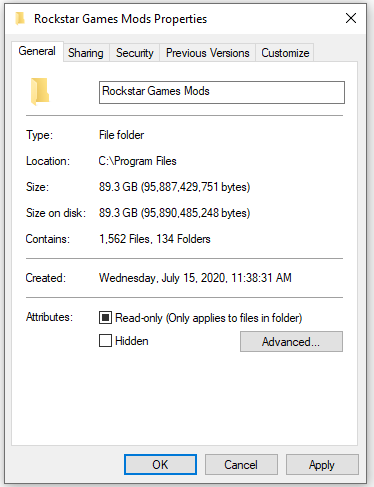
Also I just saw another video in where explained that I need to have the file inside the Rockstar Games File I did it but now the issue it's that it's causing Crash (The Game) It opens but at the very beggining it's causing crash and it's impossible to run it I don't have antyvirus @A Stranger
-
Hello Attached is the image of the file and I follow some recomendations for the RPH Script I hope you can help me! @A Stranger
-
Hello all! I just get the GTA V in Rockstar Launcher but the RPH is not able to open the mod The issue mentioned is: Slow System or Insufficient Permissions. I first run the game and then the RPH but it's not working I did every single fix I saw in the internet but is not workeable What can I do? Is there any other way to install it for the Rockstar Launcher? Could you please help me? Please help me! Thanks! 🙂