


CODEHX
Members
-
Joined
-
Last visited
Everything posted by CODEHX
-
-
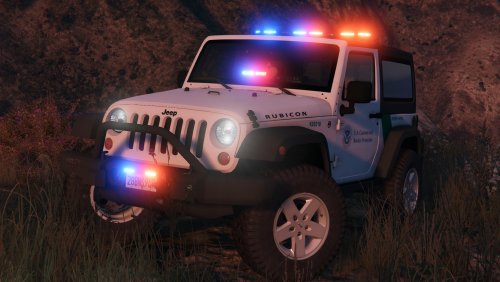 Have been wanting for a JEEP for so long, what's more awesome is that its a wrangler!! Is there a way I can add this as an independent model? & how do I edit the actual VEHICLE.META FILE to replace text inside the file?
- 35 comments
- 6 reviews
-
-

- 1
-
-
.thumb.jpg.61de846de400ca98f85d205992527de1.jpg) This model definitely is staying within my game. Especially when you can just change the livery to what you like. Like I said, one of my favorites. Thank you!
This model definitely is staying within my game. Especially when you can just change the livery to what you like. Like I said, one of my favorites. Thank you!- 265 comments
- 83 reviews

.thumb.jpg.61de846de400ca98f85d205992527de1.jpg)