


fogreyis
Members
-
Joined
-
Last visited
Everything posted by fogreyis
-
-
-
 im trying to reach you, can u check your discord friend request?
 -
 nvm i cant reached your dc can u contact to me? FogReyis#0031
 -
seriously? you shared texture but you couldnt give us to real files? omg
-
-
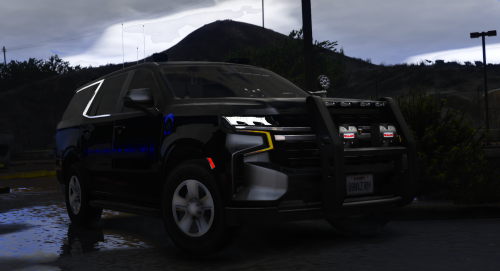 good work to you, i like it. Can u put the handling file?
 -
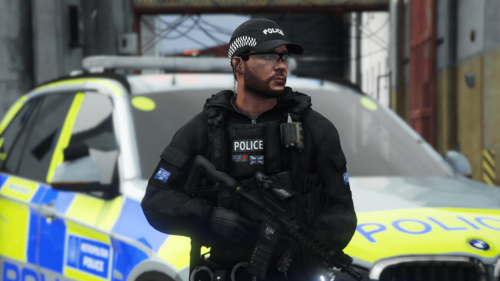 how did you put the rifle front of vest?
 -
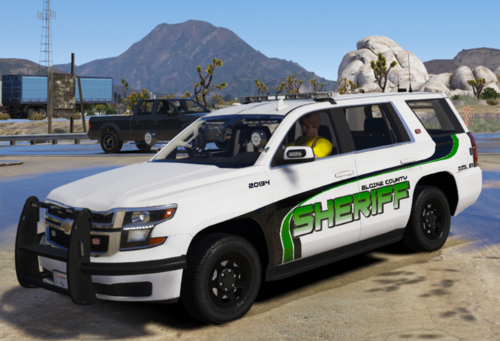 good work!
 -
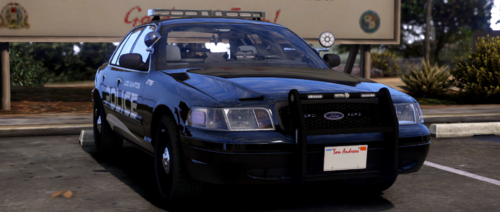 i guess you forgot the .ytd file
 -
-
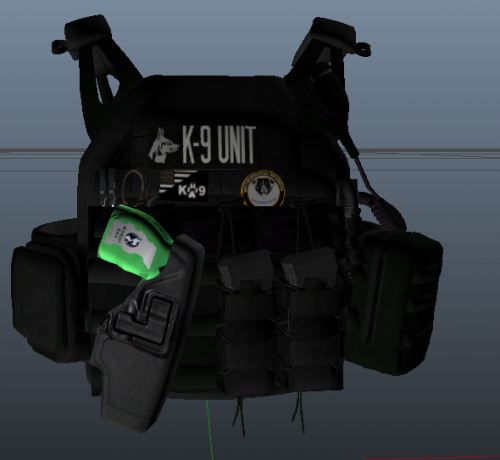 you need to be eup first. Then, drag my file to the eup
 -
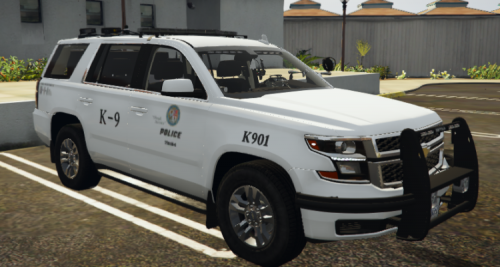 Download this file, use OpenIV, do not forget click Edit Mode, open texture part and replace my texture. Have fun.
 -
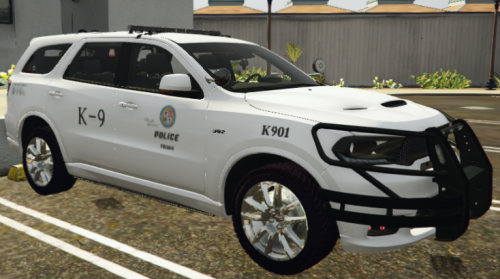 Download this file, use OpenIV, do not forget click Edit Mode, open texture part and replace my texture. Have fun
 -
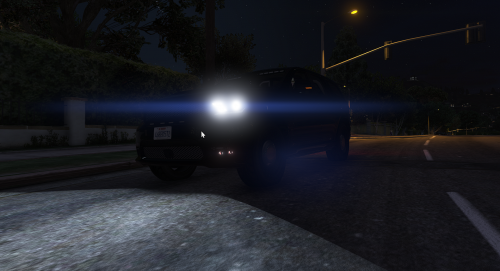 nice
nice -
yes i can do
-
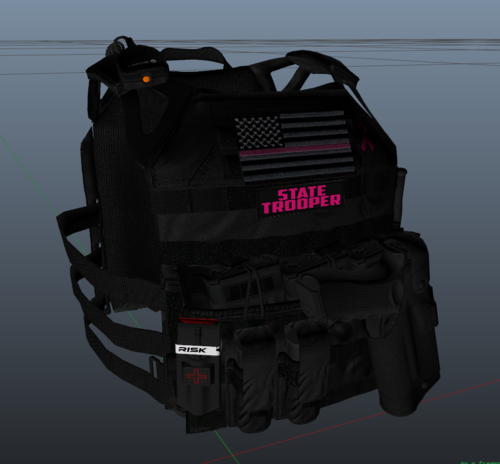
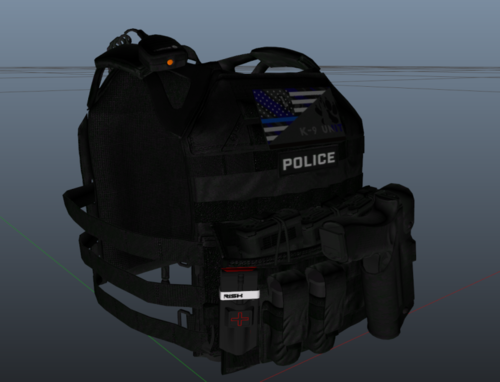
You can use this vests in your fivem server. Maybe you need to change file names. Model made it by HANAKO, Texture made it by fogreyis For male vest you have to download this file first. Find the vest and open with OpenIV and replace my texture. For female vest you have to download this file first. Find the vest and open with OpenIV and replace my texture.
-
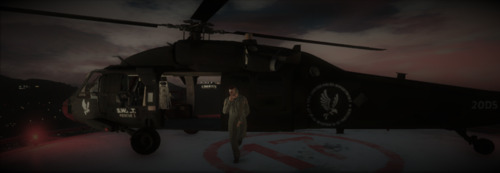 Download my file, drag and drop to your FiveM server (in to the resource file). Write the server.cfg "ensure swathel". Then start the server and there you go! Added template!
- 20 comments
- 2 reviews
-
-
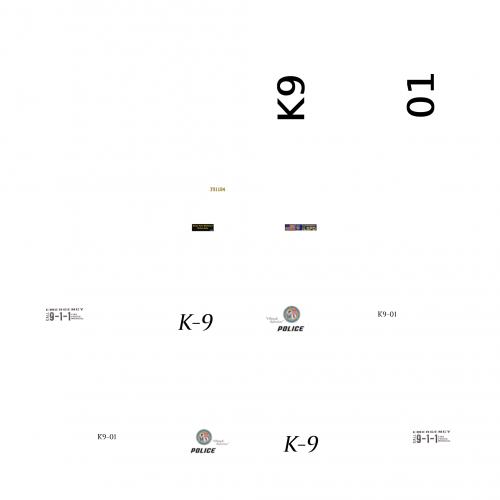 This is my first post. I really want to share my works with u guys. Please comment if you like it.




