


AlexSQ
Members
-
Joined
-
Last visited
Everything posted by AlexSQ
-
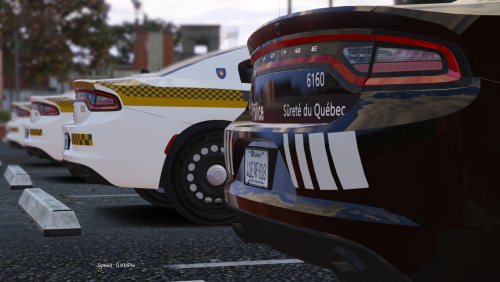 Salut, juste te mentionner concernant le explorer noir et blanc, il y a une barre de trop de chaque bord sur la valise, ainsi que la ligne est censé être verte aussi sur la valise. Également sur le côté sur le parechoc arrière il y a normalement le numéro d'urgence avec le logo téléphone. Je me demandais c'est quoi la police de caractère pour les numéros ? Moi c'est pour un projet perso sur un modèle réduit, aucun lien avec GTA V cependant mais si ça peux t'aider pour les graphismes de GTA V. J'en avais fait beaucoup sur GTA IV à l'époque. Mais sinon c'est très cool !
- 31 comments
- 2 reviews
