


KarlRoger
Members
-
Joined
-
Last visited
Everything posted by KarlRoger
-
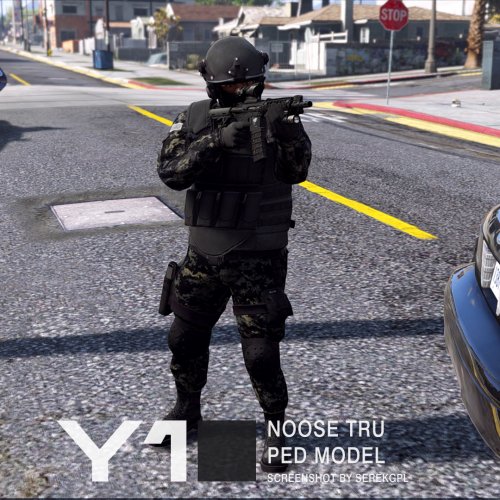 Edit: If you have the same issue as I did; you need both folders(just copy paste the names of the folders from here:) FOLDER NAMES(rdf file): componentpeds_s_m_y.rdf and pedprops.rpf Put rde_componentpeds files in the componentpeds_s_m_y.rdf and componentpeds_p files in the pedprops.rpf folder. However, I can't seem to get the default Noose Swat team to be this model. Only other officers. I have used swat, noose, fbi and fbi2. Fbi and fbi2 does not seem to work. Noose and Swat works on a different mod I have (UltimateBackup); but does not work on default noose response. I will keep digging and see if I can get it fixed. It works on "UltimateBackup"'s Swat Team and Noose Team. It does not work on default LSPDFR Noose Swat Team
- 33 comments
- 5 reviews
-
Hi, I'm missing "componentpeds_s_m_y.rdf (tried adding the folder myself, but don't seem to work. Help please? I also didn't have pedprops.rpf which is needed for some other skins https://gyazo.com/3d7f26d97e6de723c0a020ad076ac09c
- 33 comments
- 5 reviews

