



Xvatx Mods
Members
-
Joined
-
Last visited
Everything posted by Xvatx Mods
-
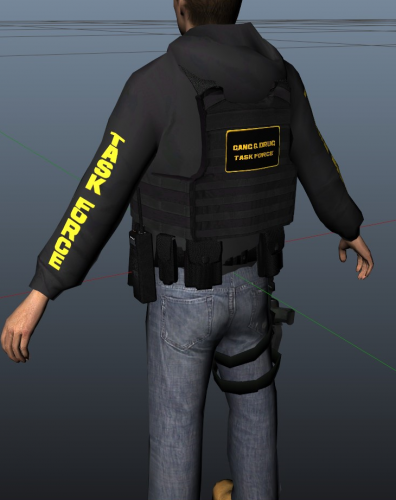 I DID NOT MAKE THIS PED BASE, I ONLY RE-TEXTURED This is my Task Force Ped i re-textured, This is my first ever ped i have re-textured so i would love to hear your opinion and what i need to work on in the comments. Hopefully you all enjoy this Task Force Ped and have fun with it, If you find any bugs please fell free to DM me on discord @ SP_ItzXvatx#3667 Also please leave a review! Have a good day - Xvatx Modifications All credit goes to Baud0412 – BARO Team Modding for the original ped, Please go check them out too!
 -
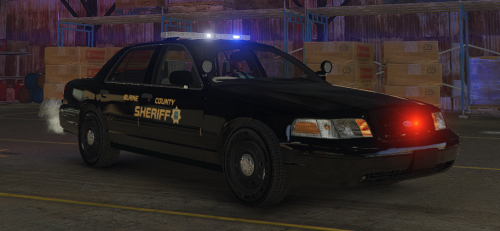 Really nice skin pack, Keep it up man


