




shaunrsmith89
Members
-
Joined
-
Last visited
Everything posted by shaunrsmith89
-
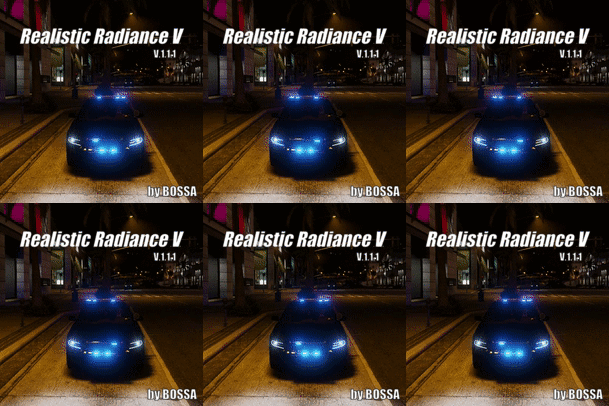 Go into OpenIV and locate 'visualsettings.dat' by going to 'mods\update\update.rpf\common\data' click Edit Mode above in OpenIV, right click on 'visualsettings.dat' and click Edit then press Ctrl and F and search for "car.default" then locate the 'car.defaultlight.day.emissive.on 0.50' and 'car.defaultlight.night.emissive.on 0.50' and change the values to 'car.defaultlight.day.emissive.on 1200.00' and 'car.defaultlight.night.emissive.on 250.00' then click Save and load up GTA V and test the lights if it is too bright go back following them steps and adjust the value numbers by decreasing if it is too bright on them lines of code.
- 37 comments
- 6 reviews
-

