


meatdakiid
Members
-
Joined
-
Last visited
Everything posted by meatdakiid
-
.thumb.png.4ab504d37fbd8b768097f8ccbc502e95.png) nah isnt that one. that on is in. i ran through it my self. i cant figure it out
nah isnt that one. that on is in. i ran through it my self. i cant figure it out- 77 comments
- 13 reviews
-
dope car. one bug or (user error) when i go to switch lights to all blue with the tahoe. the two red lights on the mirrors and the red light on the driver side ram bar remain red. any idea on how to fix
- 77 comments
- 13 reviews
-
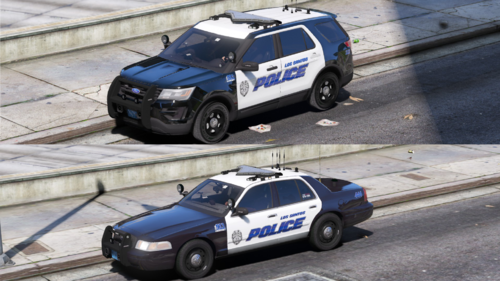 about time somebody put on for our state. love your work bro keep it up
.thumb.png.4ab504d37fbd8b768097f8ccbc502e95.png)
