
Pausing
Members
-
Joined
-
Last visited
Everything posted by Pausing
-
-
 Cursed
 -
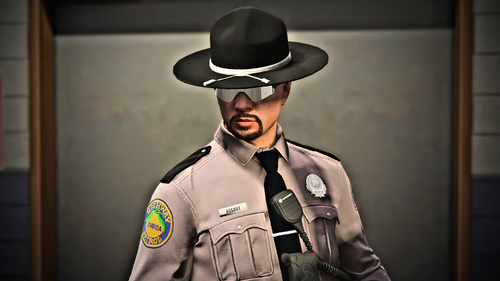 Hey just wondering where did you get that FHP eup in the second picture from? More specifically the badge model on it?
 -
 Just downloaded and added this pack to my server! Enjoy it already! Keep it up! 5 Stars!
- 10 comments
- 3 reviews
-
Wow! This civilian EUP pack is very nice! I really enjoy the quality of the clothing as well as the logos on them, most civ clothing packs have very unrealistic and horrible quality to the clothing, but this one is actually nice, simple, and enjoyable! Not to mention the amazing photography work! Keep up the amazing work, I would absolutely love to see more of this from you!
- 10 comments
- 3 reviews
-
-

- 1
-
-
 Hello, Thank you for looking into my siren pack! This is one of my first siren packs I have made and I used CCSDPC's (Clark County School District Police Department) siren for the pack since someone requested it to be made a while ago. I tried my best to make it sound good and loop well when making it so I hope you enjoy your experience while using it! Feedback is always accepted. If you use this pack in a youtube video, credit and a link to my siren pack would be very appreciated but it is not required. Please do not reupload this sound mod, take credit for the sound mod, or redistribute it. Here is a video on the siren pack! ------------------------------------------------------------------------------------------------------------------------------------------------------------------------------ Installation Path: Steam > steamapps > common > Grand Theft Auto V > x64 > audio > sfx (Or whatever way you use to get to your GTA 5 directory) Once arriving in the SFX folder, simply drag and drop the resident.rpf into the SFX folder, then click replace! If you are planning on just replacing the sirens in your current Resident.rpf with the audio files included in the file, you must have Open IV. There are youtube videos on how to install it that way, and I included the required Archive fix files for doing so. ------------------------------------------------------------------------------------------------------------------------------------------------------------------------------- If you have any questions, feedback, etc, feel free to leave it in the comments or DM me on discord (Chrischin#2520).
 -
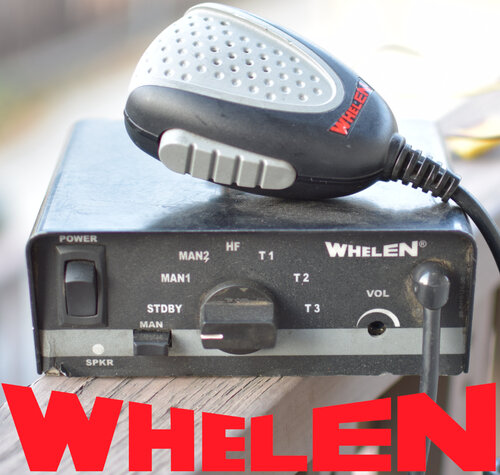 Oh hell yeah dude, I was really hoping you would make a studio recorded whelen epsilon siren, sounds awesome. I didn't want to sit there and ask for studio recorded whelen sirens because I heard they can be really expensive lol.
- 30 comments
- 5 reviews