



Boggs17
Members
-
Joined
-
Last visited
Everything posted by Boggs17
-
-
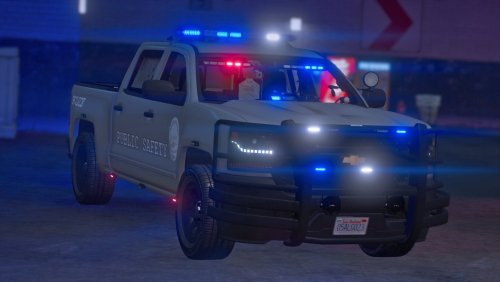 I wish you could put this as an add on pack because I tried doing it myself and the cars don’t spawn. Never mind i got it in there.i love this pack
 -
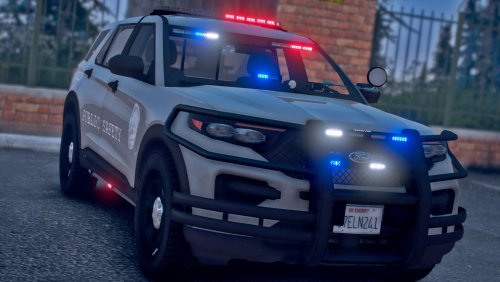 I wish you could put this as an add on pack because I tried doing it myself and the cars don’t spawn.
 -
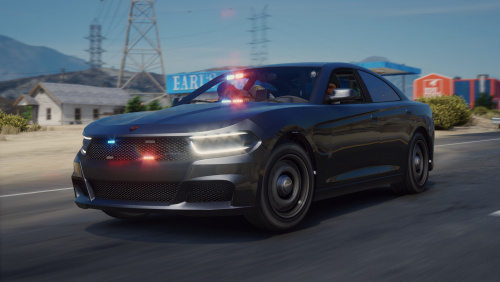 Well i got it to work now cause i have the right Spawning code thank you for the help and sorry for the trouble. Great work on the vehicle i love it.
- 18 comments
- 2 reviews
-
-

- 2
-
-
Then afterwards I tried the bufsxtrafpol and same error message pops up. So something doesn’t add up. Does it spawn on your end because it won’t on my end. Then you got the DLS file named buffalosxtrafpol.
- 18 comments
- 2 reviews
-
This isn’t my first rodeo with DLC cars I had everything right just as you show above and when I spawn it in the game it’s doesn’t exist. But I try it again. I have gamecofig in the game if I didn’t my other dlc cars would crash.
- 18 comments
- 2 reviews
-
the car doesn't spawn so I don't know what the problem is. I installed everything right.
- 18 comments
- 2 reviews
-
.thumb.png.fda8345d9a67d54b4b7976064ae6baf3.png) Awesome cant wait to see that. I joined your discord server.
Awesome cant wait to see that. I joined your discord server. -
Your welcome. Do you plan on making a pack out of it or just doing single cars first?
-
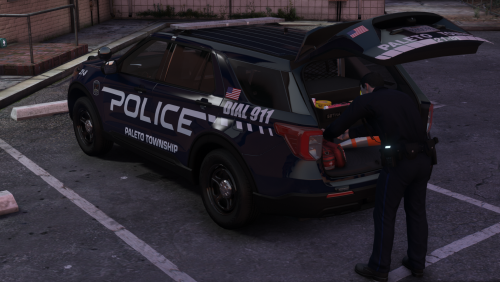 Okay so I figured it out myself and thank you for explaining it. I didn't know it was possible to do. I can see why you make DLS cars more customization. Sorry for the trouble.
 -
This vehicle is amazing. Great job.
-
Trust me you can’t. It’s either one or the other. Like you said DLS is the same as non els. Which means non els isn’t compatible with els. Only way for it to work is using LML and converting it to els.
-
So you know DLS can’t work with ELS. I’ve tried it. It’s either one or the other. Same way how you cant do els and non els together because it’s impossible.
-
It’s a really nice pack. Just wish it was for els. Never was a fan of dls.
-
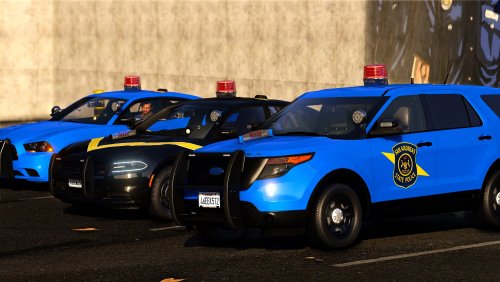 I don’t know how I feel about having a gum ball light on top a police car. I mean could be an old school for police cars.
- 34 comments
- 3 reviews
-
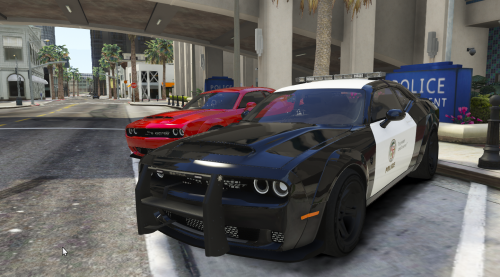 You know use LML and it convert for you. But also there’s a non els to els file on lspdfr
- 7 comments
- 1 review
-
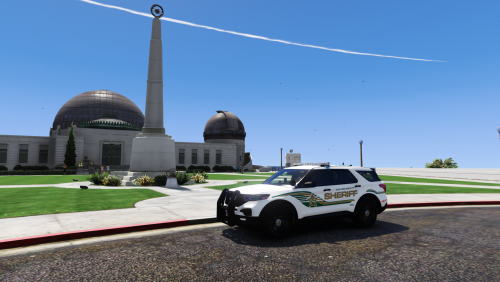
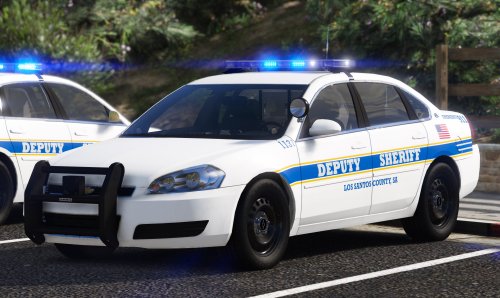 I don’t know if you know but I’m showing you a picture of your pack. In your description it says 3 vehicles but there’s only one car in your pack and 3 els files. I was wondering where the other files are at. You might be still working on them.
- 13 comments
- 1 review
-
I downloaded this pack yesterday and there was only one vehicle in the pack. So I don’t know if you forgot to add them in. Just a wanted to give you a heads up.
- 13 comments
- 1 review
-
-
- 1
-
-
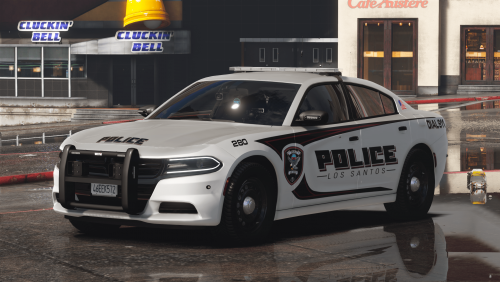 make sure you add it into dlc list text or it wont spawn. also make sure you follow the steps.
- 6 comments
- 1 review
-
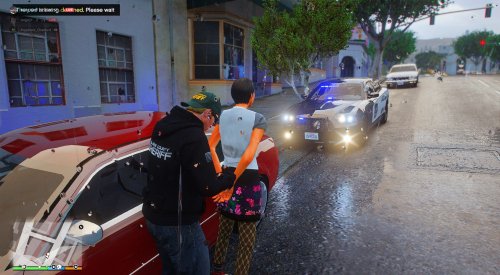 ill try but i never had a problem with adding vehicles. it only happens to this car and the tahoe
 -
I tried add this to gta 5 lspdfr and the skin glitches to a different color. Idk if this is happening to anyone else.
-
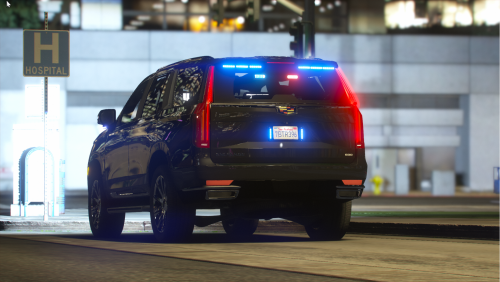 We got it working
 -
what do we change the sirens id too.
-
My friend add this in his fivem server and the sirens don't work. I didn't believe him at first but i went in it and no sirens to be found.
-
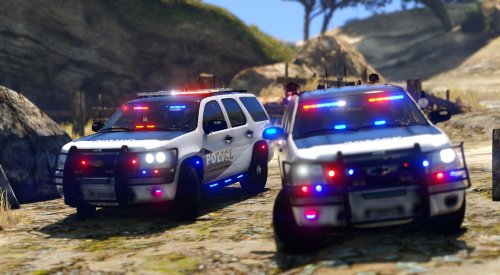 I don’t know if you Know that someone has the rights of the car you made. Full copy and paste they took the full credit of you hard work.
- 67 comments
- 36 reviews

.thumb.png.fda8345d9a67d54b4b7976064ae6baf3.png)
