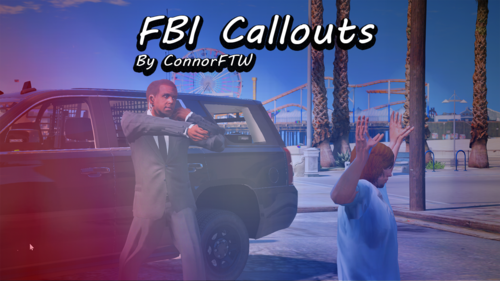
.thumb.png.a4353cc4d5fceb85ac51f5dfe1a1e0ee.png.7b3b3424fd45cd7a06530dde258f437b.png)
ConnorFTW
Members
-
Joined
-
Last visited
Everything posted by ConnorFTW
-
Please send your Rage Plugin Hook Log. You can find it in your GTA5 Main Folder>RagePluginHook.log
-
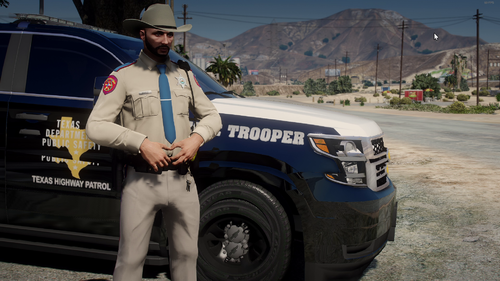 Nice work!
 -
Go to your gta main folder look for the file Rage Plugin Hook.log and drag and drop it in here.
-
Can you please send your Rage Log so I can see what the issue could be?
-
Nope Rage and LSPDFR Already updated so reinstall them and then you should be good to go.
-
Hmm I think you need Rage Native UI Check if you have that in your gta main folder.
-
In that case just change the stop the ped interact key in the stop the ped.ini file. The ini can be found in GtaMainFolder/Plugins/LSPDFR
-
Try changing toggle menu key to nothing too and also change the stop peds to also nothing and see if that works.
-
That is stop the ped and lspdfr keys overlapping press esc go to LSPDFR>Keys Look for interaction key and set it to nothing and that should fix the issue. Best of luck!
-
Try installing RAGENativeUI I think that is what is causing the crashing. Download it here! https://github.com/alexguirre/RAGENativeUI/releases
-
Are you using a patchday or a addon?
-
Glad you got it all figured out I would recommend going to scripts and plugins and having a look there, you should be able to find everything that you need for your LSPDFR as far as scripts/plugins go.
-
Ah okay so I am not sure what the issue could be it all looks fine try uninstalling United Callouts and install a deferent pack to see if it still crashes if so then we have a issue with your lspdfr/game if it does not crash then you are good to go with some other callout packs.
-
Hmm I am not to sure what else to say maybe try reinstalling callout manager, installing a game config which can sometimes avoid crashes. Pack file limit adjuster and see if that is any help otherwise check the dependency's for United Callouts and Callout Manager. Also please send a picture of the following folder: YourMainFolder/Plugins/LSPDFR/: And also please send a picture of the top of your GtaMainFolder. That might be able to help me figure out what this issue could be.
-
Make sure you installed the file correctly or update it because I saw yesterday United Callouts got a update. It looks like your missing the audio files for United Callouts. Try downloading United Callouts again and dragging the lspdfr folder into your main gta folder.
-
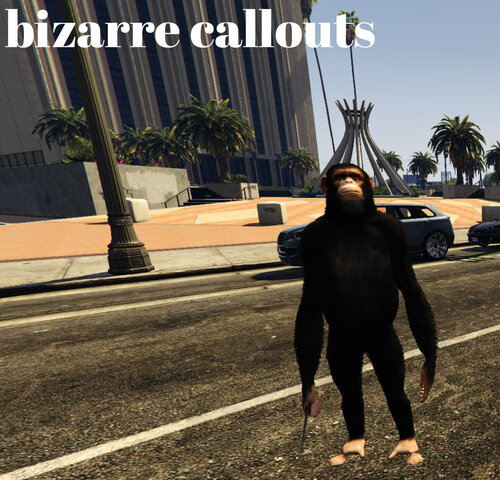 Awesome callout pack, very bizarre!
 -
Make sure you installed the els xml files to els/packdefault. That is often something I forget. So if those files are not there download this mod and drag all the files into els/packdefault.
-
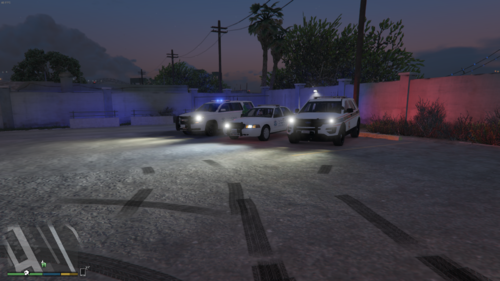 Wow I loved to patrol as border patrol with these awesome cars. Keep up the good work, thanks for the upload.
- 1 comment
- 1 review
-
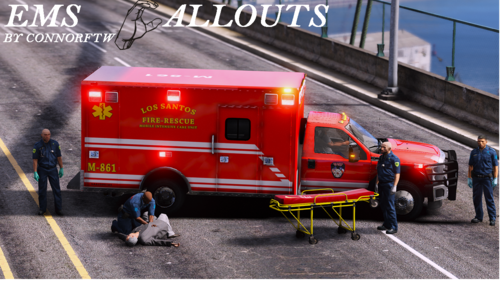 You can use stop the peds cpr mod you dont need the one I linked
 -
Install the stretcher.oiv file also here are the els files: EMS1.xmlEMS4.xmlEMS3.xmlEMS2.xml
-
I will add a uninstaller soon! Thanks!
-
-
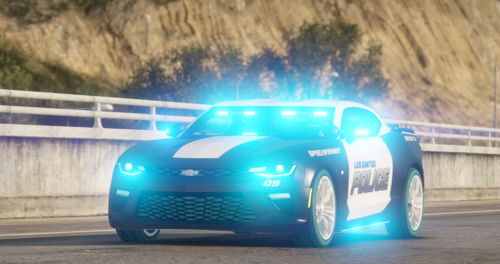 Wow that looks epic! Good work. Holy is this thing fast lol
 -
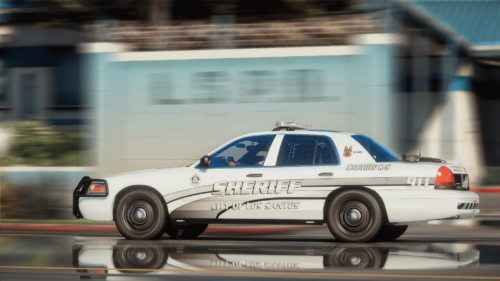
_edited_edited.thumb.jpg.73fd52378b48ebde1784a45ae379ee90.jpg) Awesome been waiting for something like this!
Awesome been waiting for something like this! -
.thumb.png.a4353cc4d5fceb85ac51f5dfe1a1e0ee.thumb.png.0916be73c45c6688e91159cc4606e759.png)


_edited_edited.thumb.jpg.73fd52378b48ebde1784a45ae379ee90.jpg)