Frostyy G
Members
-
Joined
-
Last visited
Everything posted by Frostyy G
-
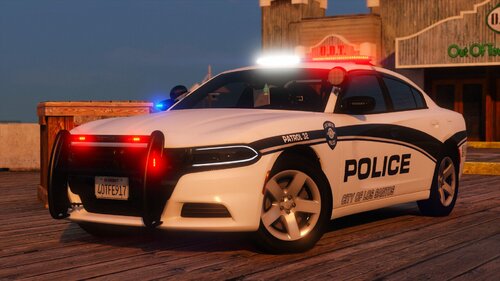 Most of the packs I've installed im typically unhappy with something about it whether it's the drls on the chargers, the odd colored tail lights on the 2020 fpiu, and sometimes even the light pattern. This pack however, I'm 99% happy with this one. If only we could've gotten some black and white liveries, then I would be 100%. Thank you Scorpionfam.
 -
Honestly the best pack out there.
-