
grac3
Members
-
Joined
-
Last visited
Everything posted by grac3
-
.thumb.jpg.0cd8a7efe304914046396f0ccee4bfe7.jpg) vehicles.oac WAVE audio format is not supported. Audio must be MONO (1 channel) and 16 bits Bit depth. i've experienced this before, you need to change the audio to the above requirements in audacity, or some other audio editor.
vehicles.oac WAVE audio format is not supported. Audio must be MONO (1 channel) and 16 bits Bit depth. i've experienced this before, you need to change the audio to the above requirements in audacity, or some other audio editor. -
.thumb.png.fe4a0877747cf51ba58ac610a6b83b6d.png) love these textures but they fry my pc
love these textures but they fry my pc -
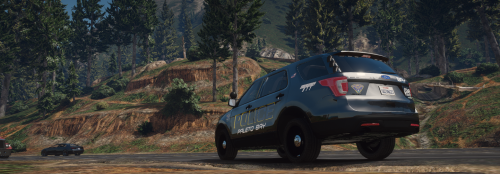 amazing texture
 -
-

.thumb.jpg.0cd8a7efe304914046396f0ccee4bfe7.jpg)
.thumb.png.fe4a0877747cf51ba58ac610a6b83b6d.png)