


SenatorB
Members
-
Joined
-
Last visited
Everything posted by SenatorB
-
Nice but I don't have a mods folder. Yeah, I know stoopid.
-
You mean police, police2, sheriff...? If so, I have installed a lot of them. Police1/2/3/4 Sheriff/2 Policeold1/2 Policet Policeb Fbi/2 But I do use a modified gameconfig if you think it's up to the cars I have installed.I never had a problem with using the original game files. If I have a problem, I just copy my backup files and that's it. So what do I have to do for fixing this problem?I don't use mods folderPatchday 22Yes I have installed them correctly, as I wrote. I do use a modified vehicles.meta but I used a unmodified vehicles.meta and had the same problemMy sheriff 2 car is purple and green when I spawn it. It is installed correctly. It doesn't matter which car I install or which livery, it is ALWAYS green and purple. This is the only car I've installed which has this problem. Please help me, it's so frustrating ☹️ I read about, that this is up to nvr but I use visual V???I saw in the lspdfr option post that you can change that with following command: AmbientSpawn.MaxSpawnedCopsInArea= [your choise] 🙂Push!Hey Guys, I noticed that lspdfr adds units on duty. When I drive in Blain County whithout lspdfr there is like 1 sheriff in sandy shores patroling but when I play whit lspdfr there are quite a lot of cop cars. So how do I use the realistic number of units patroling and play lspdfr?Disregard that problem, I fixed it. I just reinstalled lspdfr and everything is working fine.Hey I have the problem that every time I go on duty I get this error. 😞 I read about that error in the internet, some people said it's up to albos plugins if they are not up to date. But all of my plugins are up to date. Do you know to which plugin it is up? The logfile says nothing of interest... Somebody help me pls
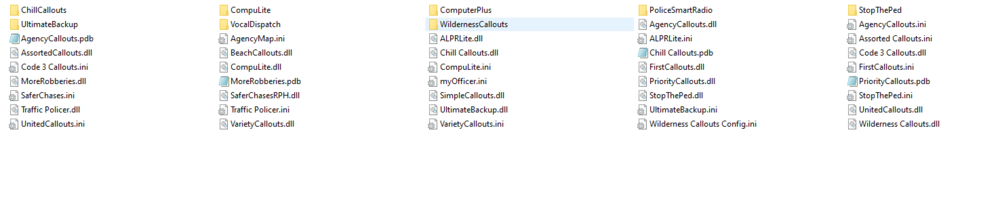

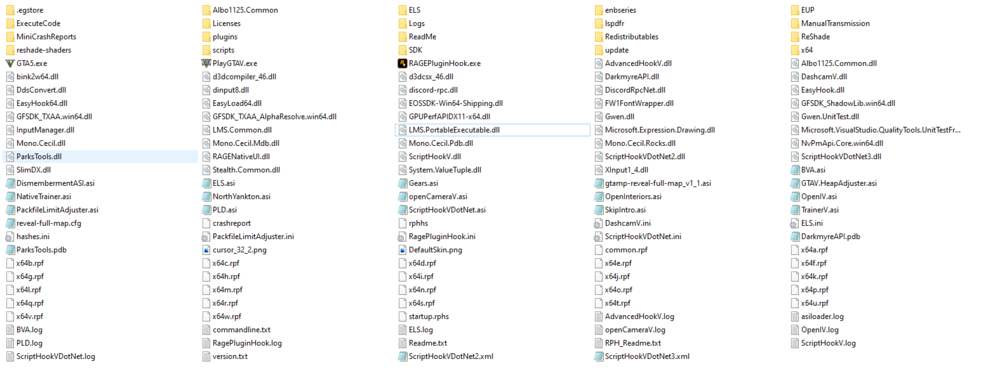 No, for me it doesn't work to "just remove" the script hook v files. My game crashes before rage plugin hook even loads the plugins. I have installed to many .asi mods and all that stuff, because some mods will crash your game. Some mods just won't work but some mods crash your game so I need to wait for the script hook v update.Well, for users like me, it won't work until script hook v update is realesed. I've installed too many mods. Can't uninstall them "quickly", because the epic games launcher doesn't support "search a game" or wathever it's called. So you can't use a backups, epic games launcher won't run the game after that. God damn rockstar north🤬
 Great siren! Sounds amazing 🙂I tried Patchday 22 and it worked! You don't have to replace any files. Thanks man!So, no one knows where they are exactly? 😞Guys, this isn't a difficult question. Does nobody now where these files are located???Yes I have the same problem. I only have Redux installed at the moment. So now, if I start GTA Storymode (no Lspdfr, just storymode) the game just crashes 😞 Please help!And your game will (probably) crash...Hey Guys I wanna install some new police vehicle models, but I can't find them in the "patchday 23" folder... Police 2 file is in the "patchday 1" folder but it's in the "patchday 3" folder too.🤔No, I didn't have that bevorePlease help me!



