


Loues
Members
-
Joined
-
Last visited
Everything posted by Loues
-
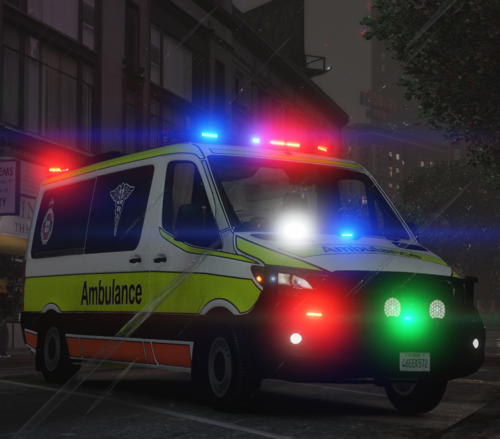 This Siren pack is used in Queensland Australia for the Ambulance Fleet. The pack contains a yelp and a wail. This is my first release of a siren pack however it is as close as it gets to the real thing. I believe there aren't many Siren Packs out there for the QAS, hence why I brought it upon myself and created my own. PLEASE READ the readme before installing this siren pack. It shows all the steps to get it 100% working! For any questions, concerns or ideas for future releases feel free to type them in the comments or send me a message and I'll get back to you, I DO NOT TAKE ANY RESPONSIBILITY FOR GAME CRASHES, OR IF YOUR GAME BREAKS!!! GTA 5 - QAS SIREN SHOWCASE.mp4
- 1 comment
- 2 reviews
-
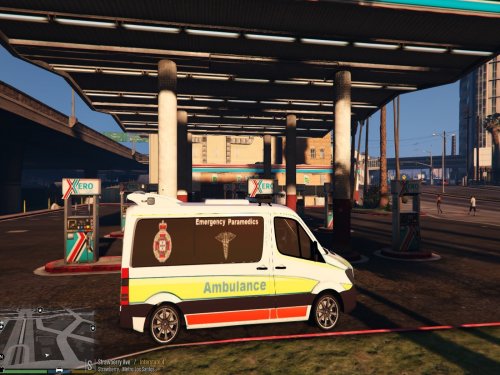 Amaing Skin
 -
-
Hello I live your mod, so good job but every time i accept a callout the patient dieds right awaycan someone help me? please?
-
Hello Your mod is amazing can I just say that but whenever I accept a call while being a paramedic I start responding but then it says at the bottom "patient died coroner on the way" it says that everytime I accept a call? How to I fix? Please and thanks
