
Russell Coighty
Members
-
Joined
-
Last visited
Everything posted by Russell Coighty
-
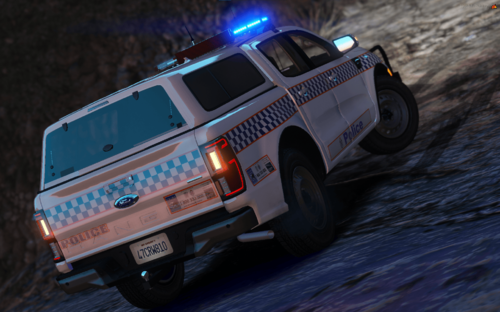 This is my re-texture for JC Car Mods NSW Ranger. Please make sure you have installed
 -
-
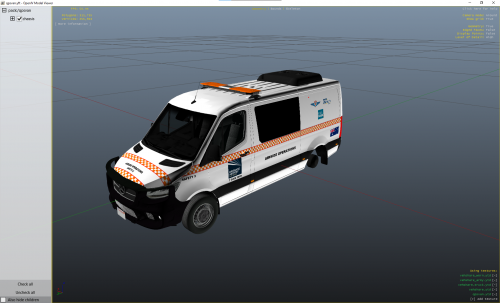 Here is my Airside operations sprinter. I have changed the Red and Blue to amber now. Please ensure you have Lanson's QPS Sprinter downloaded for the livery to work. If you have any questions, or need to contact me, DM me on discord at Russell Coight#1408.
 -
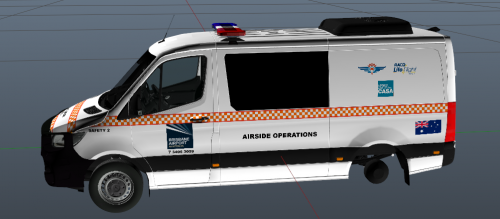 Here is my Airside operations sprinter. Sadly I do not know how to change the colour of the lights, so they are currently Red and Blue.
 -
-