
yakadoshi
Members
-
Joined
Everything posted by yakadoshi
-
-
From the album: Toronto
A pair of Novabus LFS buses with older TTC liveries return to the depot after concluding the day's route schedule. -
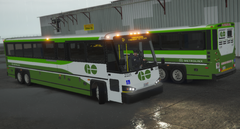
From the album: Toronto
A pair of MCI 4500 coaches with GO Transit's two-tone livery at the depot. -
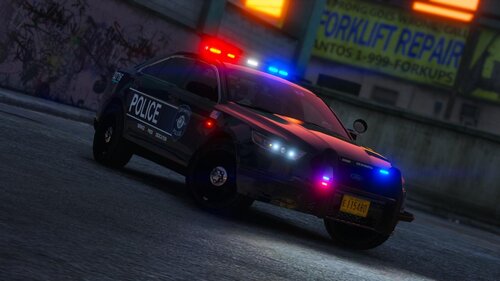 This pack is filled to the brim with features favourable for new and advanced users alike. You get a choice of non-DLC replace or DLC addon packs for your installation preference; a DOZEN vehicles well equipped with accessories, toggle-able extras, and a balanced amount of lighting equipment that is not overwhelming; a whole assortment of customization options including textures for emissives, light bar lenses, and custom ELS configs for red-blue, all-reds and all-blues lighting; custom vehicles meta file; and a series of support documents to help troubleshoot common installation and game-play issues. The amount of quality, detail, and assets/resources in this pack is amazing and a welcome addition to anyone's mod collection.
- 53 comments
- 13 reviews
-
-

- 1
-
-
From the album: Toronto
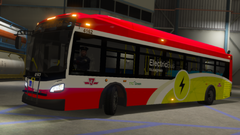
Xcelsior XD40 Electric Drive, rolling out as part of TTC's green initiatives starting in 2019. -
From the album: Toronto
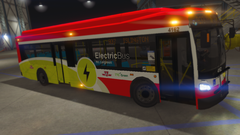
Xcelsior XD40 Electric Drive, rolling out as part of TTC's green initiatives starting in 2019. -
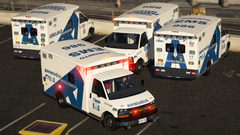
From the album: Toronto
Liveries of Toronto EMS. -
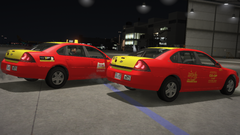
From the album: Toronto
Liveries of Toronto's Coop taxis. -
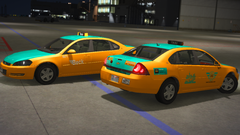
From the album: Toronto
Liveries of Toronto's Beck taxis. -
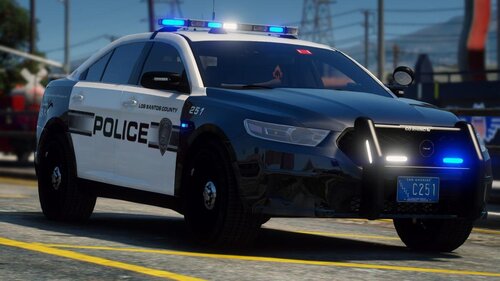 Light set-ups on point and good mix of previous and new generation police vehicles. As always, excellent work! Ideal pack for responding to a disturbance over parked cars in Harvard Yard or a brawl at the local packie over some missing quarters.
- 37 comments
- 11 reviews
-
-

- 1
-
-
 Extremely well done pack with clearly a ton of painstaking effort spent on it. Highly recommend, especially the Vics with custom Excalibur and Vector as deal sealers for those with fondness for rotators.
- 143 comments
- 23 reviews
-
-
- 1
-
-
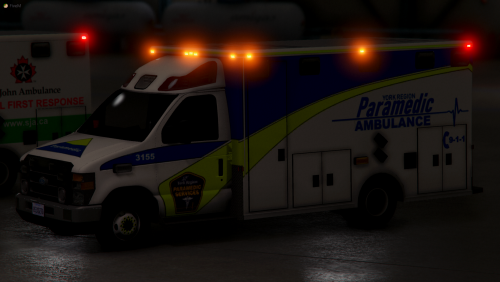 Very well done and love the representations of local EMS agencies, especially my favourite, GWEMS! 5/5 ❤️
- 11 comments
- 9 reviews
-
-
- 1
-
-
-
-
-
-
-
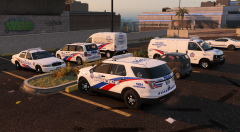
From the album: Toronto
Various vehicles parked at a TPS division including a CBRNE Ford Transit, MCIT Dodge Caravan, CRU Chevrolet Express, BCU Ford Crown Victoria and a supervisor's FPIU. CBRNE - Chemical, Biological, Radiological, Nuclear and Explosive - specialised teams to manage potentially high-risk hazardous situations. MCIT - Mobile Crisis Intervention Team - specially trained team of medical and law enforcement personnel tasked with conflict de-escalation, often in situations where the subject is experiencing a mental health crisis. CRU - Collision Reconstruction Unit - tasked to provide intensely detailed reconstruction investigation into traffic collisions deemed unusual or high profile in nature, involving police activity and/or resulting in serious injury or deaths. BCU - Bail Compliance unit -
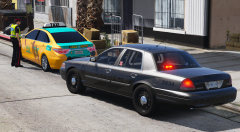
From the album: Toronto
A Stealth unit conducting a traffic stop on a Beck Taxi changing lanes without signaling. -
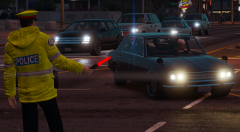
From the album: Toronto
Mundane? Yes. Necessary to prevent car-mageddon? Also yes. -
From the album: Toronto
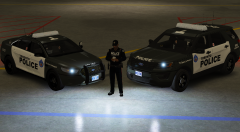
New decals likely to be implemented across the fleet. -
From the album: Toronto
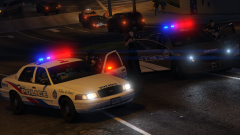
TPS units conduct a felony stop on a potential armed suspect. -
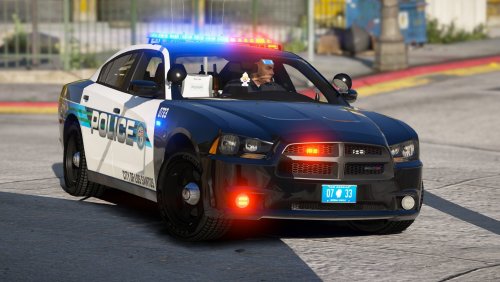 A very decent pack utilizing the Valor and I love the K-9 unit with the AC partition ❤️🐶
- 22 comments
- 16 reviews
-
-
- 1
-
-
-
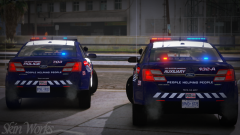 Waterloo region?