


unitv58
Members
-
Joined
-
Last visited
Everything posted by unitv58
-
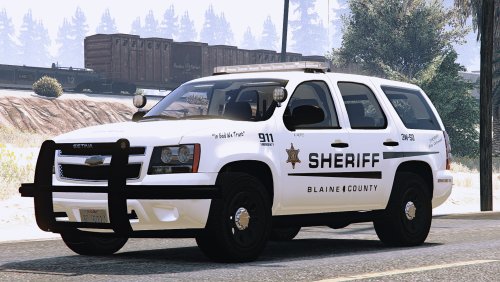 The headlights on the Ford Explorer don't work properly. They are seen as lit when viewing the outside of the car, but they don't actually produce any light into the environment if that makes sense.
- 61 comments
- 6 reviews
-
WARNING! Plugin "LSPD First Response" was terminated because it caused the game to freeze (Freeze was caused by game fiber: Plugin "LSPD First Response" main fiber). I got this message after I opened RHP and now I can never reopen LSPDFR, as everytime I try to, I get either insufficient permissions + bad antivurs or slow system
