




IwanMikhailov
Members
-
Joined
-
Last visited
Everything posted by IwanMikhailov
-
its turns out that also SimpleCallOuts causes the game to crash
-
No the crash is not from the mods folder , I believe it's from one of the callouts
-
my problem is kind of solved , but i use arrest manager to get peds into the car because when i use stop the ped the ped just stands outside the car . and if i rename my mods folder , all the installed vehicles will be gone
-
i have mutiple plugins installed and ive tried literally everything and the game still crashes . ive lowed down my graphics , deleted multiple plugins but still crashes. here is the list of my plugins and callouts: plugins: -Dashcam callouts: -StickyWheels -AttenptedCrimeCallouts - CopHolster -BlainCountyCallouts - EupMenue -CountyCallouts -Spotlight -JarmCallouts -ComputerLite -PeterUCallouts -StopThePed -RedCallouts -UltimateBackup -RegularCallouts -AlprLite -SimpleCallouts -CalloutsManeger -SupeCallouts -GrammerPolice TrafficPolicerCalllouts -SpeedRadaLite -xScanner -TrafficPolicer -PoliceSmartRadio -ArrestManeger -OfficerStatusPlugin pleeeeeeeeeaaaaase help its so frustrating!!!!!!!!!!!!!!!!!!!!!!!!!!!!!!!!!!!!!!!! RagePluginHook.log
-
I've been playing lspdfr for almost 5months and I'm lovin every part of it . But wouldn't be cool if there was a mobile app that is compatible with the mod . Calling back on the smart police radio through the phone would be cool.
-
redux is sort of the problem. when i reinstalled redux , it didnt work. so i figured its has something to do the blue ghost pack. so reinstalled the pack , with a new (((((game config, a heapadjuster and pack file limit adjuster))))) and it worked like a charm. so if any has the same issue just download these 3 files .
-
ive tried installing a new version of redux but turns out its not compatible with the new update . and the games keeps crashing RagePluginHook.log
-
i did a fresh install of gtav epic games after the update. i installed all the mods and everything else . but it keeps crashing every time. help? RagePluginHook.log
-
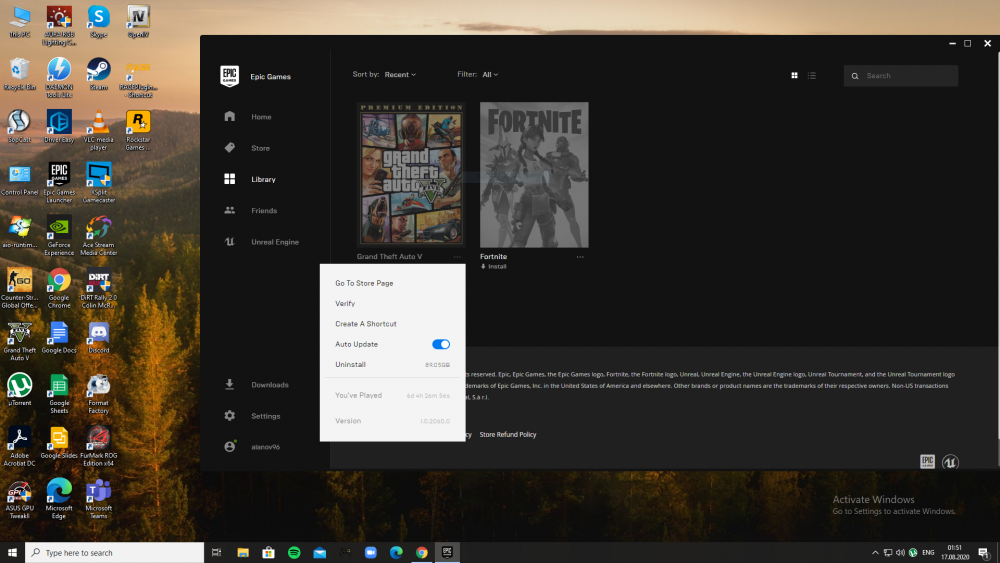
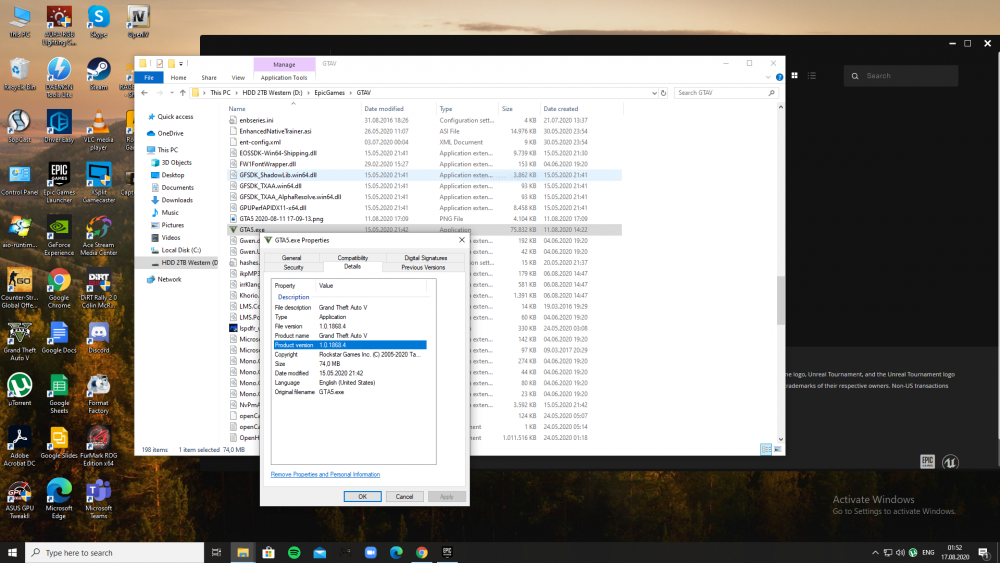
so i didnt update my gta v instantly , i wanted to wait till script hooks v comes out. and now its out and i tried to verify (update) my game , when it finished , i went to the folder and it didnt change the version . so in epic games launcher its updated , but when i go to the main folder , its not , and when i launch it rockstar says i have to update. Although ive already verified it multiple times
-
I have simple trainer installed . I tried to disable air break from the .ini file ,but it didn't work, and every time I change the camera view with "v" it triggers air break , do you guys know to disable it completely?
-
Since I download redux graphic mod on GTA v , lspdfr became amazing. But I noticed that when I change the weather to snow , the weather changes but there is snow flakes . Do you guys have any suggestions?
-
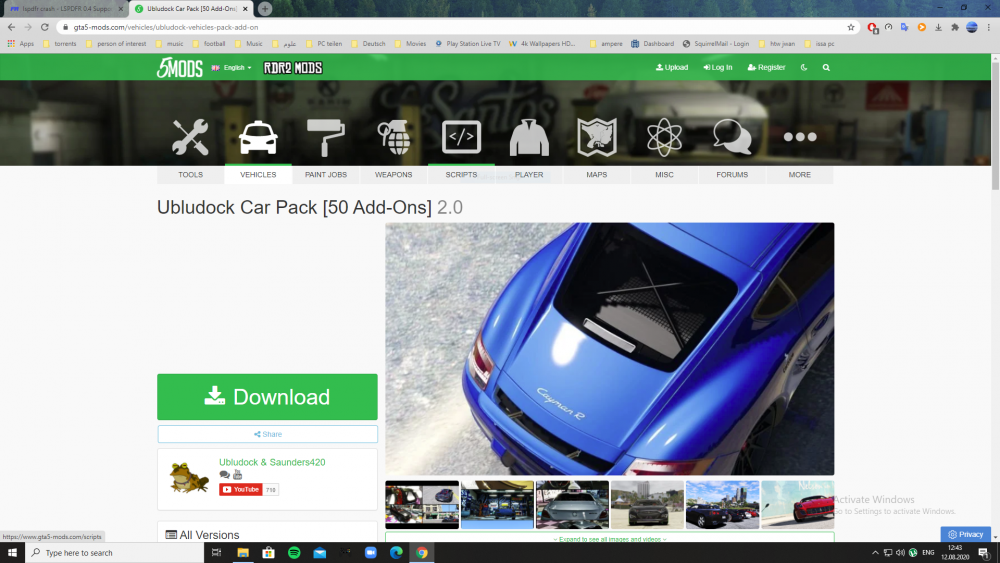
no not this one . but this one here I did what zou told me about renaming the mods folder. Then it crashed again. so i went through the vehicle packs , und deleted this pack. and luckley it was the one .
-
finally , after a while figuring out what the problem was, it was a vehicle pack i installed . so i went and deleted it from the dlc packs folder in mods
-
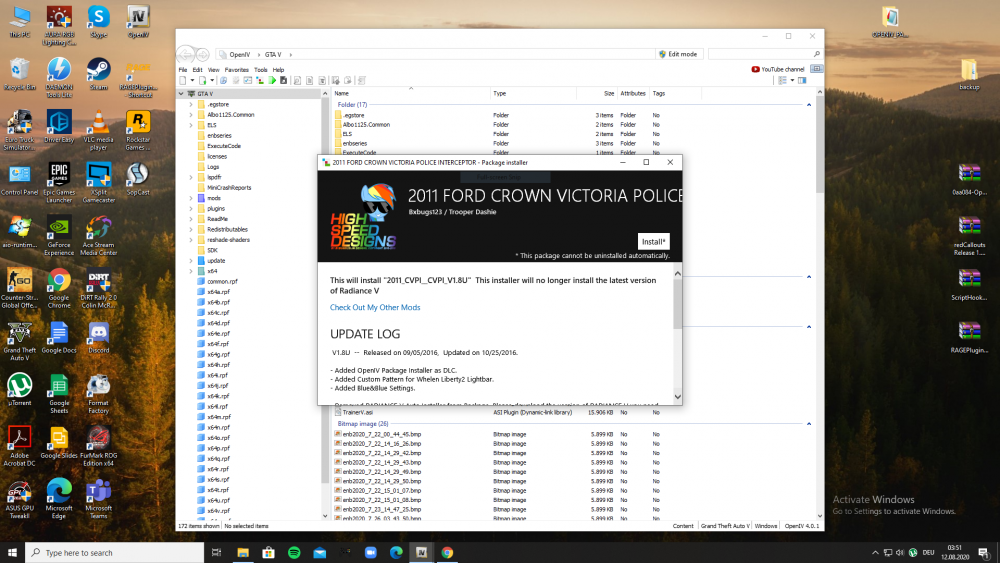
couple days ago i downloaded this vehicle pack . but it was crashing so just deleted the pack file from the dlcpacks folder
-
Tell me what to send you ,so we can't figure this out
-
These are my plugins if you're wondering
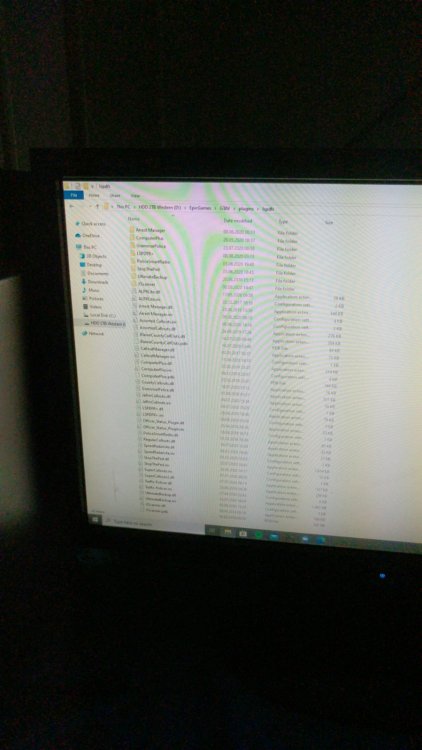
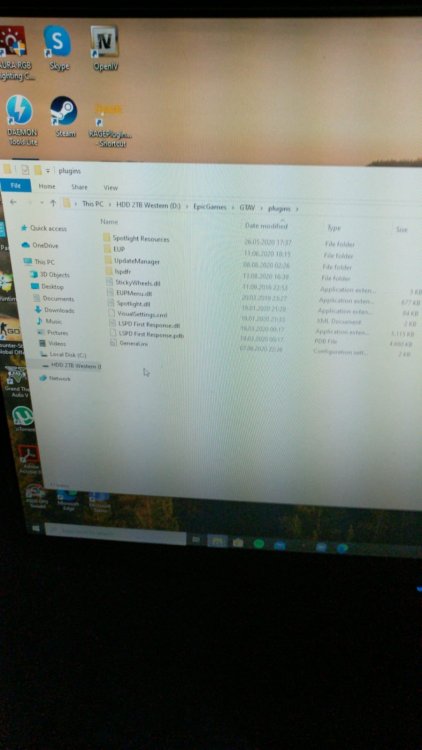
-
I don't really know to be honest. I've downloaded Redux graphic mod , and its working fine. And lspdfr , these the only two mods I have . Other than that are plugins and vehicles When the update came out today , I had a copy of the game with the compatable version (Epic games) , so i just copied the game folder and replaced it with the updated version and the game worked fine . Even my simple trainer and enhanced native trainer worked just fine . Except for lspdfr . Should I try to re download lspdfr . But I'm scared that I have to do everything from the beginning.
-
it worked . but i have multiple modes downloaded . do i have to keep it like this . (for example Redaux)
-
no , ive been playin lspdfr for almost 4 months , and i always launch the game then launch ragehookv . i reinstalled script hook v . And i removed Redcallouts , which includes open interiors. and still the same problem . I even played yesterday and it was fine. I know that rockstar updated the game , but i had a backup , and the game works , but lspdfr crashes should i reinstall Ragehook v ?
-
i had it yesterday , but i noticed it crashes the game so ive uninstalled it
-
when i go into the game i press F4 to bring the console menue , the load lspdfr . but it crashes the game . and here is my ragehook log . any suggestions ? RagePluginHook.log
-
I have simple trainer installed. And I've tried to disable the airbrake button, I've even got into the simple trainer default file, and disabled almost every key I don't need. But still when I hit the "V" key to change the view , it still triggers the airbrake . Please help because it's frustrating And thnx
-
i recently installed a dlc pack (addons) and added the dlc to the dlclist.xml file . and the game crashed. any suggestions ? RagePluginHook.log
-
when uninstalling plugins , do i just delete the files ?
-
here is my rage log for more info RagePluginHook.log


