



CivJacob
Members
-
Joined
-
Last visited
Everything posted by CivJacob
-
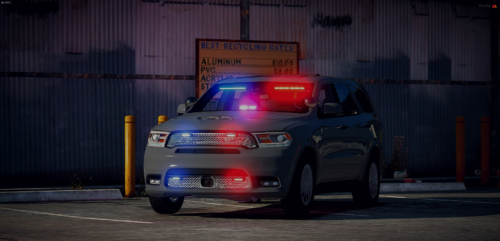
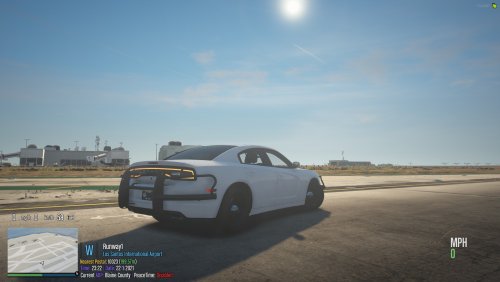 Love it, great idea. There is a part on the back of the left side where the rambar on the back clips through the brake light.
- 13 comments
- 1 review
-
.thumb.png.46ab08738bce05cf6a2af9e527a537fe.png) Beautiful pack, I can't wait to see it when it's completely done. Keep up the great work!
Beautiful pack, I can't wait to see it when it's completely done. Keep up the great work! -
 Professional EUP'r
 -
 +rep I have personally worked with Jagger before, I can say he is very good at what he does.
 -
 +rep
+rep -
-
-
-
-
-
-

.thumb.png.46ab08738bce05cf6a2af9e527a537fe.png)


