


ambl97
Members
-
Joined
-
Last visited
Everything posted by ambl97
-
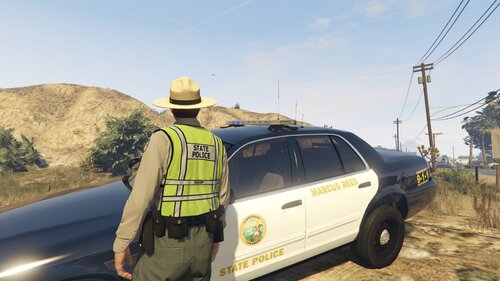 Looks really good 😃 Do you know if there are any similar to this but for LSPD? (Forgot to tick "notify me" for other comments)
 -
 Hi, I really like the idea of this mod & it looks really good in the videos, but I just can't get it to work. RAGE Plugin Hook shows that it's loaded fine, and when I press F8 it beeps and tells me that I've changed the flash pattern. But only the rear lights flash; the headlights just stay on constantly. Doesn't matter whether my lights are turned on or off. Also no matter which flash pattern is selected, the rear lights will only flash simultaneously, not wig wag. Any ideas how I can fix this? That would be really appreciated. I'm running the most recent versions of your mod and RAGE plugin hook. I don't use any vehicle mods. Cheers.
- 247 comments
- 45 reviews
