




Versettzt
Members
-
Joined
-
Last visited
Everything posted by Versettzt
-
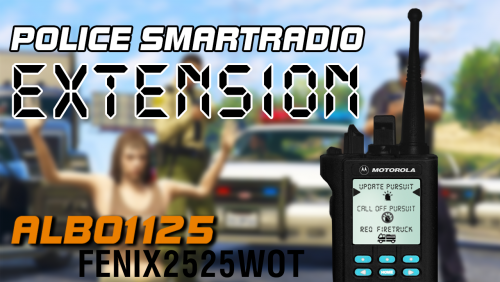 Why i dont have the buttons???
- 42 comments
- 13 reviews
-
Hi! ich mische mich mal auch hier in die sache ein 🙂 Ich habe ein Problem unzwar wenn ich RagePluginHook starte stürtz er ab und sagt: "Bitte verifiziere deine Spieldateien..." LSPDFR habe ich nooch vor einer woche einwandfrei ohne Probleme gespielt und es hat alles geklappt. Vorgestern habe ich mich an den PC gesetzt und micht gefreut das ich LSPD spielen kann führte RagePluginHook aus und es hat nicht geklappt. Wäre Nett wenn mir jemand weiter helfen würde oder mir eine Lösung geben würde! 🙂 Danke im Vorraus! LG. Versettzt PS: Ich habe schon möglichst alle sachen versucht die hier schon im Forum standen ohne Erfolg 😞 .
.thumb.png.9d261635a61a41df3efe6cb07e4b0a06.png)
.thumb.png.d0e41c96104af4841b59befa68909557.png)
.thumb.png.a35dae9deb2b6ad0a46d07e89d7263b5.png)
.thumb.png.9d10f2cc99a24b8b1331b61742f38c7e.png)
.thumb.png.d28ecc539b28474fff4ee7f1da21dfe8.png)

.png.af14115919d2f7406448e79e3f5eeb11.png)
.png.4c42e6aecb96167285844c71587ffedf.png)
.png.e4dd3084046cfbf1d6f3276d43c2d802.png)
.png.ab38b3c9ac2087612df35d847c944d6f.png)
.png.a1723d57083c76f76febaae4335866ea.png)