


taser299
Members
-
Joined
-
Last visited
Everything posted by taser299
-
Thank you very much, it worked! I published it on this website for everyone:
-
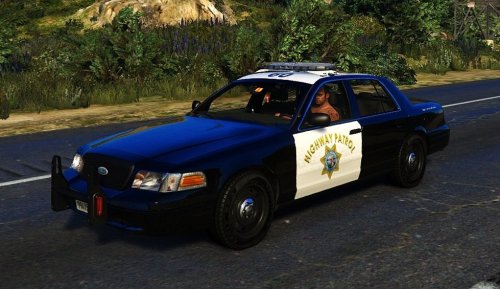 CVPI Highway Patrol skin working with BxBugs123 Crown Victoria. The quality is 2048x2048 upscaled to 4096x4096, but it doesn't look as bad as you'd think... To install the skin you just need to replace a skin of your choice (I chose the first one) in the directory where the CVPI is installed By default you can find it in: update/x64/dlcpacks/patchday5ng/dlc.rpf/x64/levels/gta5/vehicles.rpf/sheriff.ytf Tell me about any issues you have and I'll see if I can help you! Feedback would be greatly appreciated Please do not post elsewhere without my permission!
- 1 review
-
-

- 1
-
-
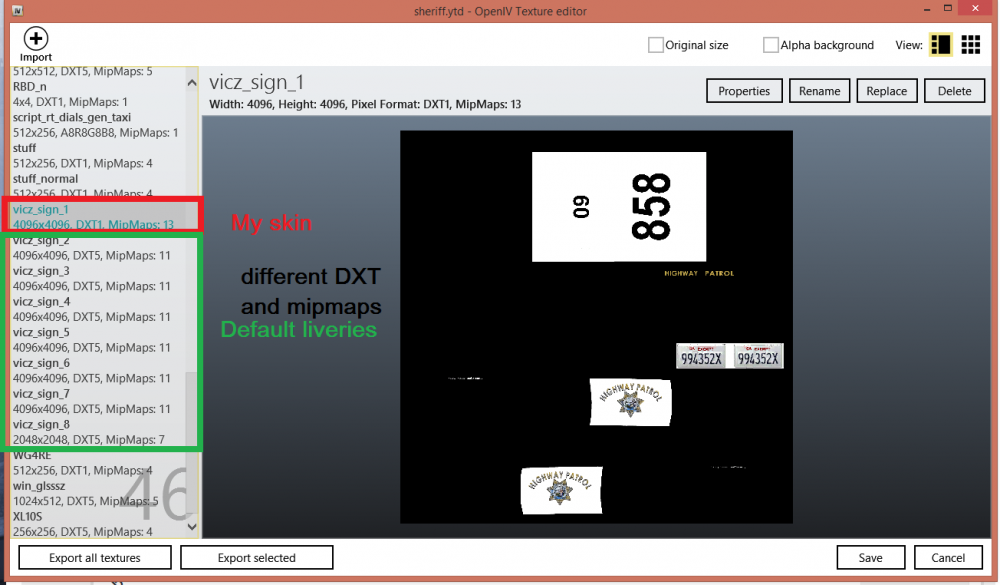
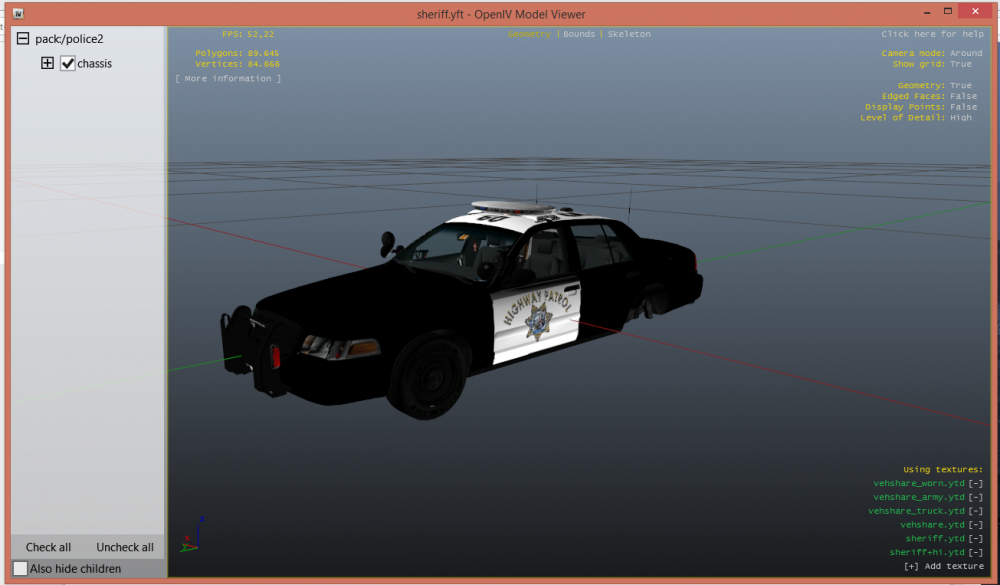
Yes that's what I am doing, I don't even know how to create another one D: The skins are called vicz_sign. About the model: I can send you the files, but the OIV installer just adds the model in a dlc folder and doesn't replace the original sheriff files 1 & 2. I click replace and select my livery but both the pixel format and mipmap are wrong. How can I fix them? 3. I am certain that I am replacing the right livery, when I look in the .yft files it shows my livery 4. This car does support multiple liveries and I also put my livery as the first one, so even if it didn't support multiple skins it should load anyway
-
I made a custom skin for bxbugs's cvpi but it's not spawning in game, what did I do wrong? vicz_sign_1.dds
-
Thanks, solved! The car was in a patch day 5
-
-
I downloaded these mods: I installed the first one successfully, but the second one does not work: when I put the skins inside the .ytd file, save and run the skin is the default one. I reopen the ytd file and I find the new skins. I have a mods folder where i keep the x64e file. I have no idea on what to do, any help is appreciated.
-


