


gamer101010
Members
-
Joined
-
Last visited
Everything posted by gamer101010
-
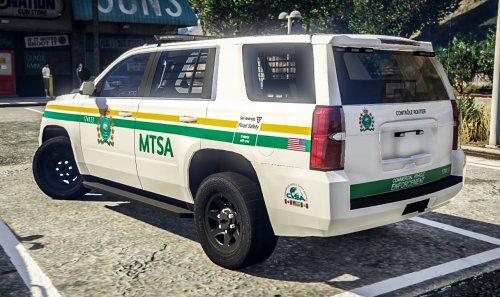 looks nice. is that silv a private/paid for model?
 -
-
-
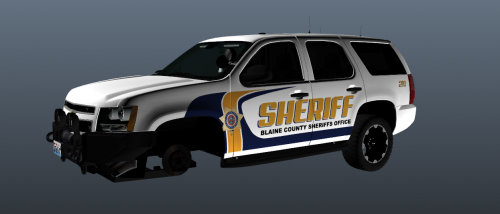 nice looking, but shouldn't have the YFT files as it allows someone to still grab the model after the original is removed
- 1 comment
- 1 review
-
@Andrew K. you need to remove the YTF files since its someone else's model and i'm pretty sure it's against the rules. like the skin tho but do remove the YTF files
- 1 comment
- 1 review
-
-
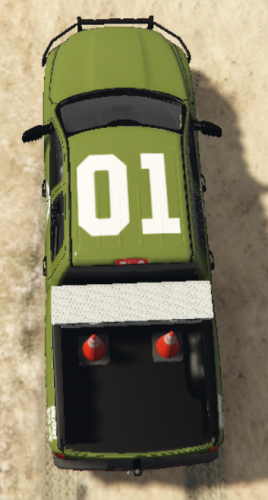 as long as the vehicles have the same model/template the liveries are interchangeable
- 8 comments
- 1 review
-
-
not a bad one, pretty good for the second one, but if you were to change some things the side logo could be centered on one of the doors along with the writing on the tailgate could be in the bottom corners or upper corners, and the "Military Police" writing could be more centered so its just in line with the top of the wheel well or just a bit more centered between the tail light and top of the wheel well. other then that pretty good skin color fits the vehicle quite well a bit too light/bright for me but that's a personal taste. not many military skins so too see another one is nice and modding/modeling is a learning experience so no-one skin is all perfect
- 8 comments
- 1 review
-
-
 thx
thx -
as someone who isnt big on modding could you maybe put some example pics as to what it can/should/could be used for. i want to try it but not mess up something making a big mess
-
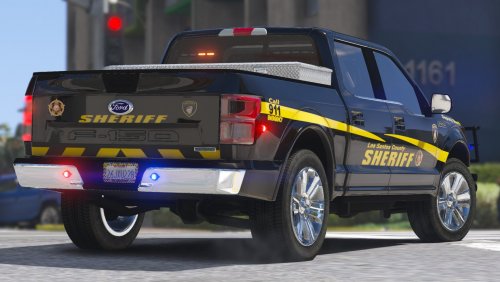 looks nice which van is the sprinter with the light bar i was thinking Blueghost but his doesnt have a LB
- 9 comments
- 2 reviews
-
-

- 1
-
-
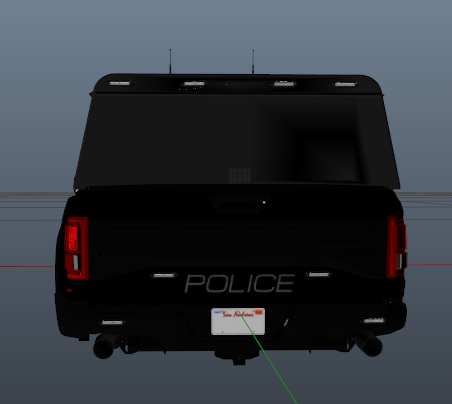 i think that by the look of the vehicle it could be a high quality paid for vehicle. but thats just my guess
 -
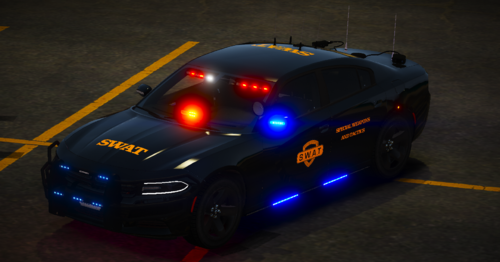 the one for the charger is meant for the MCC as i tried it and it didnt fit properly as i thought it was just a naming mistake
- 6 comments
- 1 review
-
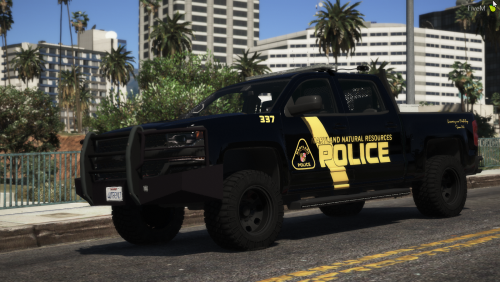 there is no skin for Zeakor's Silverado however the charger sign fits his charger
 -
it seems to be working now and i dont even know what i did to fix it it just started working
-
i tested the IG car to see if it was working with the already added ELS file for police
-
i tried both pack default and ELS file both didnt work, didnt expect any from the ELS file but i tired just to see if it would most of the cars have been replace models im trying a addon right now
-
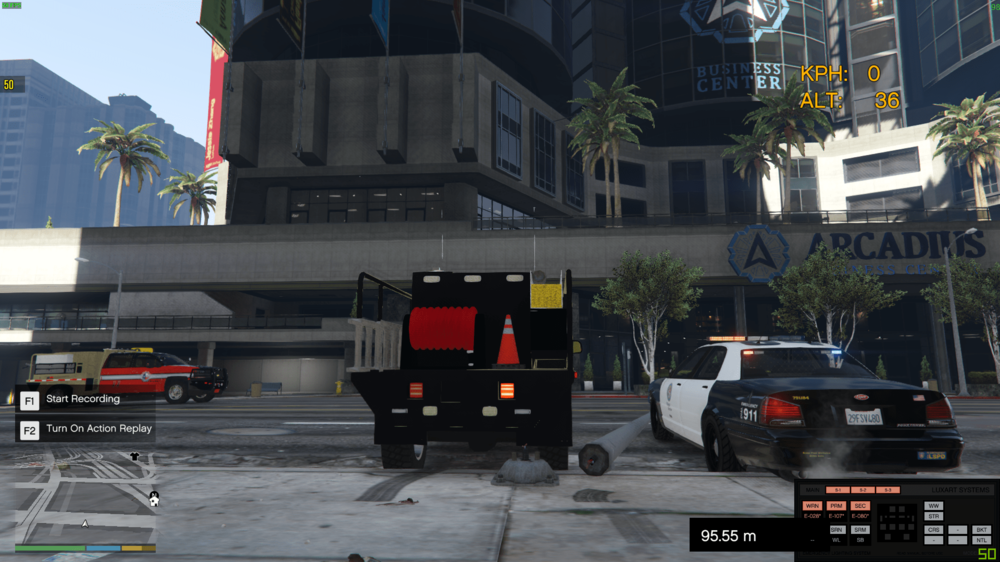
i have now reinstalled GTA 5 2-3 times and im still having the same problem els. It works with the ingame emergency vehicles but not addon, the lights won't turn on (IE bar light, side runners) but if the rear lights strobe then they work but other then that everything else doesn't work.
-min.thumb.png.97d0fb533ad19ec6a0fe1d1bfda2096c.png)
-
-
-
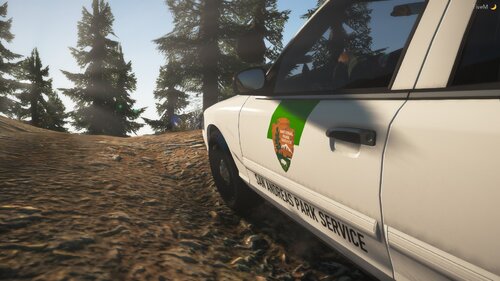 https://modification-universe.com/forums/index.php?/files/file/271-els-john-deere-gator-asap911-mini-pack/
 -
im not a big modding guy but will the skin for the gator work with Medics gator?
-
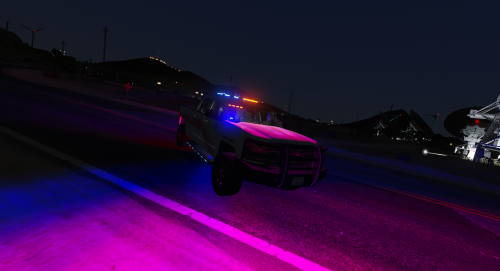 im quite curious did you have permission from @ZeakorDesigns to release it with the actual vehicle files other then the one for the texture. im only asking cause i have seen people release the ytd file but only because it has the skin in it and this has both the ytd and ytf files

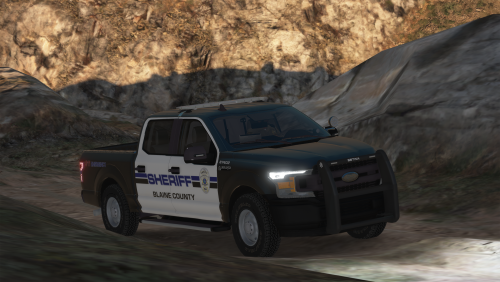
-min.png.ae71c2db8d1c1e142f2934f2130951a7.png)


