
Skittishfiend
Members
-
Joined
-
Last visited
Everything posted by Skittishfiend
-

From the album: RCMP - GRC
-
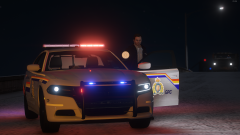
From the album: RCMP - GRC
-
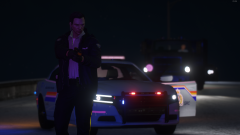
From the album: RCMP - GRC
-
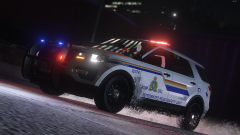
From the album: RCMP - GRC
-
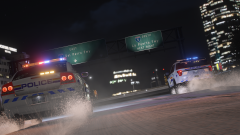
From the album: RCMP - GRC
-
-
-
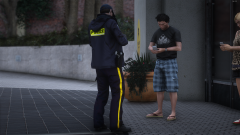
From the album: RCMP - GRC
-
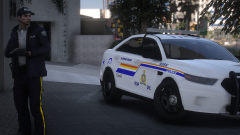
From the album: RCMP - GRC
-
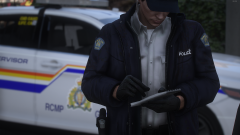
From the album: RCMP - GRC
-
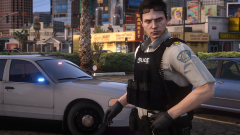
From the album: RCMP - GRC
-
-

From the album: RCMP - GRC
-
-
From the album: RCMP - GRC
-
-
From the album: RCMP - GRC
-
-
-
-
From the album: RCMP - GRC
-

From the album: RCMP - GRC
-
 After navigating to the scanner in the directory for GTA V (GTA V/lspdfr/audio/scanner) Drag and drop all the contents in the download into that directory and replace. It should automatically replace all the audio.
- 11 comments
- 1 review
-
Whoops my bad. Good catch, will update. Ripples Valor pack. A paid pack on his website.
- 11 comments
- 1 review
-
This mod is oriented to add more emotion and depth as well as give something new to standard, generic, and boring chatter between officers. This ONLY replaces the officers' radio chatter, helicopter radio chatter, and radio tones. Still a WIP! Enjoy. To install go into your GTAV Directory and got into the lspdfr folder. Go to audio and then into scanner. Drag and drop the folders into that directory and you're done!
- 11 comments
- 1 review