


G4ME_OVER
Members
-
Joined
-
Last visited
Everything posted by G4ME_OVER
-
-
-
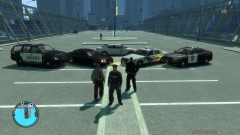
From the album: All Cars
Tahoe Skin: Liberty County Sheriff's Office Slicktop CVPI Skin: Unmarked Charger Skin: MN State Patrol Specialty CVPI: Liberty City Police Department Interceptor: MN State Patrol -
-
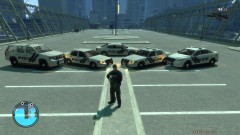
From the album: All Cars
Dayight -
-
-
-
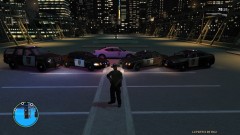
From the album: All Cars
Charger skin was made by me. It is a special charger the MN State Patrol has. (Yes, it has a hemi) Character skin was made by me as well. -
-
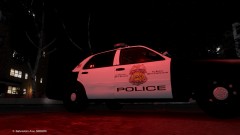 Looks awesome. One suggestion: The stars on the flag on the C-Pillar are always towards the front. '>
 -
-
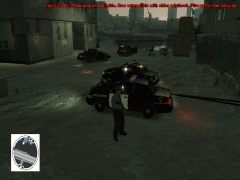 Link for vehicles used?
 -
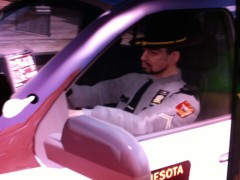 Looks nice. Get rid of the Shoulder Chevrons and put the badge on the chest flap and it would look A LOT better!
 -
-


