EnchantedBrownie
Members
-
Joined
-
Last visited
Everything posted by EnchantedBrownie
-
 The goat is back lets gooo!!! FiveM is def addicting do NOT recommend that drug to anyone lmao kidding but FiveM is legit a drug so play it very slow
 -
https://www.gta5-mods.com/misc/gameconfig-xml-dilapidated u talkin bout this right?
-
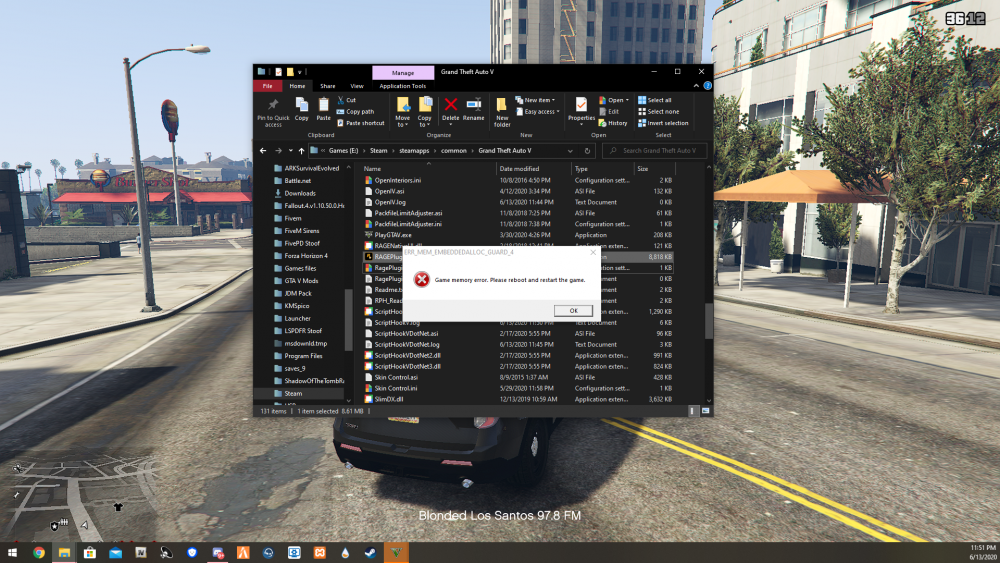
I have heap adjustment, pack file adj. and some other world ppl population files
-
 beett, honestly prefer GrammarPolice no offence to vocal dispatch thanks for the reply
- 1,365 comments
- 87 reviews
-