


OCyborg
Members
-
Joined
-
Last visited
Everything posted by OCyborg
-
Hi there, is there a way to have the police riot vehicle in the garage? Or do you use other ways to spawn it? Thank you
-
-
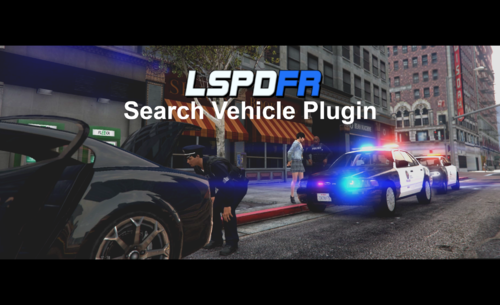 I already had it, but I reinstalled it and now it works perfectly!! This plug in is amazing! Thanks a lot!!!!
- 72 comments
- 6 reviews
-
-

- 1
-
-
-
How can I get the console log? I'm sorry I'm not very practical with this stuff. However I tried it on something like 10 vehicles (all cars), but nothing. The character just opens the door of the vehicle and appears the bar but then nothing happens
- 72 comments
- 6 reviews
-
Hi! This is such a great plugin! Thanks for your work... but I've got a a problem... when i press the search key, it opens the vehicle's door but then it doesn't do anything else... the progress bar just appears but it doesn't make any progression. How can I fix this? Thank you very much
- 72 comments
- 6 reviews
