
jeffp728
Members
-
Joined
-
Last visited
Everything posted by jeffp728
-
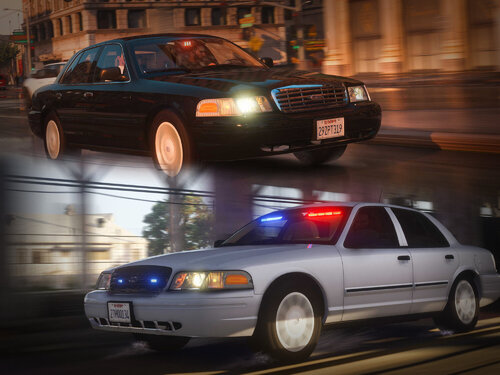 With version 1.02 mine are spawning dirty and I am unable to clean them with my trainer. The previous version was not this way. Disregard, I see what you've done with the liveries. Very cool!
- 53 comments
- 10 reviews
-
You're welcome!
-
I had to backup my Vehicles.meta, Handling.meta, Carcols.ymt, Visualsettings.dat, Dlclist.xml and Gameconfig.xml before moving the new update.rpf into my mods folder. Once I did that I reinstalled all of those, reinstalled the asi loader and was good to go. My sirens, cars, weapons etc. are in other folders.
-
In case anyone has the same issue, i had to replace my update.rpf with the new update.rpf in my mods folder. I backed up my previously modded files in my update.rpf before hand and then reinstalled them after the change. I also had to reinstall the ASI loader as i was prompted by open iv to do so. I removed scripthookv.dll and dinput8.dll and can play lspdfr and the vanilla game but ELS and anything ran by scripthook is not functioning until it is updated. All other mods load just fine.
-
Awesome, thank you!
-
Might have been another folder that needed to be updated with 2060 and not update.rpf, i can't remember. But as it stands now i cant access anything in my mods folder but i can get into the game with dinput8.dll and ScriptHookV.dll removed. Is that correct with this update or am i doing something wrong?
-
Open IV states this: with the 2060 update i did this and had to completely rebuild my mods folder.

-
Before all of the recent updates i could play for hours with zero issues. Now i get maybe 10-15 minutes and the game crashes. No clue whats going on, any help would be very much appreciated.
-