


Jeppeboy
Members
-
Joined
-
Last visited
Everything posted by Jeppeboy
-
Did not work. And this is what it shows. Translated to English it would be “Rage Plugin has stoped working”. And behind it, a window that says “disclaimer” whit no other text shows up.

-
The latest version. 0.4.7. The latest version. 0.4.7.

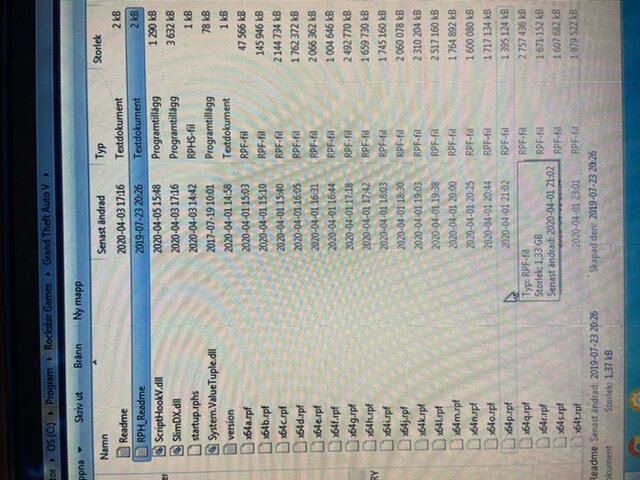

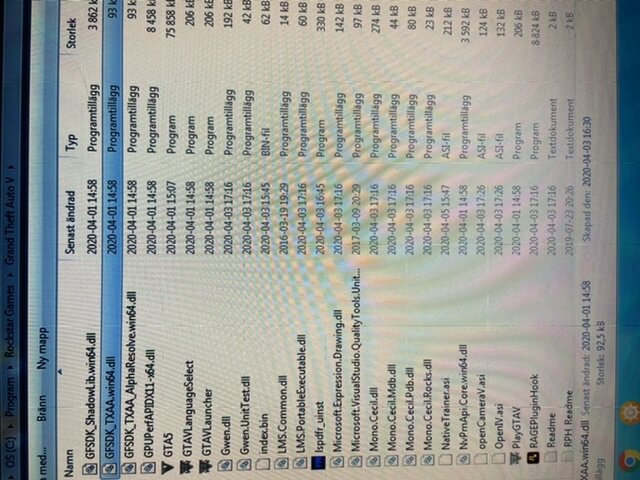
-
Still. I do not get a log. File. And I do not have a log. File. That is the problem. Because when I try to launch RagePluginHook I get a message from the computer saying that the program has stopped working and a disclaimer shows up.
-
I know i should get a RagePligimhook.log. But because rage hook crashes immediately when I start it, a log file is not generated. And a disclaimer shows up even though I don’t have a firewall or a antivirus program activated. And yes I do run it as an admin...
-
I do not get a RagePluginhook.log.
-
I have just downloaded LSPDFR, and al the files are there. But when i klick on RAGE Plugin Hook i got a messege from the computer ”RAGE Plugin Hook has stoped working”. What should i do?


