


CaptainJJz
Members
-
Joined
-
Last visited
Everything posted by CaptainJJz
-
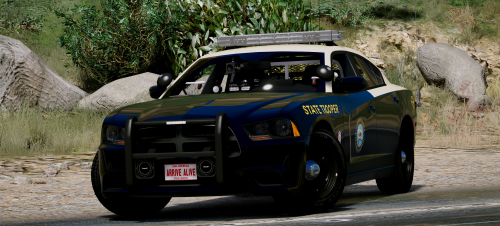 Im new to LSPDFR, I installed this and everything works except Im unable to open the back door by pressing E to set suspects in for the 2016 explorer. Even when opening the door by the M menu I still cant get them to sit in the back. I installed following this tutorial: https://youtu.be/_ZMbZolbtYw any help greatly appreciated
- 21 comments
- 28 reviews
