Mr. Nelson117
Members
-
Joined
-
Last visited
Everything posted by Mr. Nelson117
-
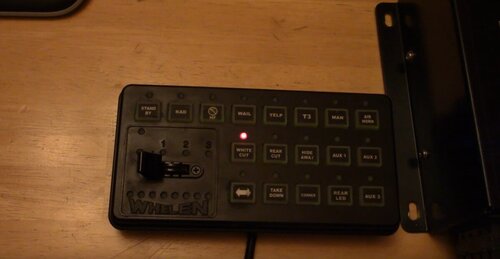 This download is confusing, the video shows how to download it but the files needed are missing from the download there is no Vehicles or .oac file to import to. please help me out if u can. nvm i figured it out just had to put the audio files into the old vehicle folder then import it lmao.
- 10 comments
- 1 review