
Cocaine And Caviar
Members
-
Joined
-
Last visited
Everything posted by Cocaine And Caviar
-
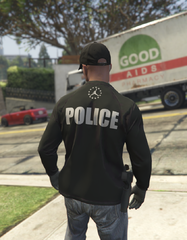
From the album: Gunman Brand Clothing
-
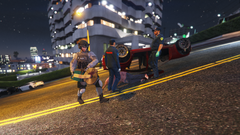
From the album: The art of street-ken-do
A local SWAT officer used breaching tools to rescue a man after a vehicular roll-over accident on Vinewood Hills this early morning. Spectators say "hes a dumbass" for putting on tactical gear to cut off a car door. Another by-stander said "He was flexing for the 'gram." -
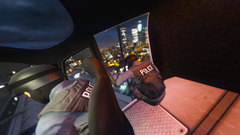
From the album: The art of street-ken-do
-
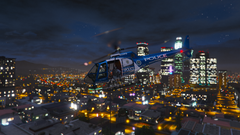
From the album: The art of street-ken-do
-
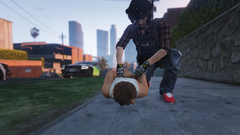
From the album: The art of street-ken-do
-
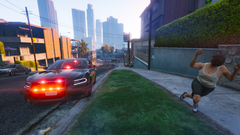
From the album: The art of street-ken-do
-
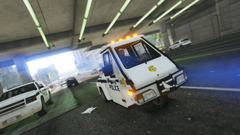
From the album: The art of street-ken-do
-
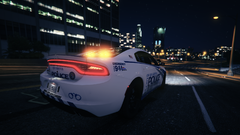
From the album: The art of street-ken-do
-
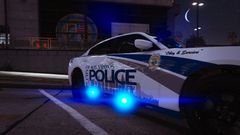
From the album: The art of street-ken-do
-
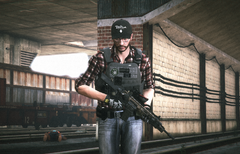
From the album: The art of street-ken-do
-
Good point. I intended it to be more of a SWAT/Tactical suggestion because even though we already have a good number of those, I find most of them to be very bulky and over-loaded when compared to some tactical units like UK's CTSFO and my local one (Calgary). Judging from pictures, they seem to go with only up to 3 AR magazines and maybe a pouch or two but that's pretty much it.
-
Hi Hanako! Love your mods. I just wanted to make a quick suggestion for your pack. I was thinking you could probably make an S&S Precision PlateFrame? Here are some pictures. Off-body, plain On-body, bare On-body, loaded-1 On-body, loaded 2
-
-