


Sebenza
Members
-
Joined
-
Last visited
Everything posted by Sebenza
-
Hi All, When playing LSPDFR, the character model holds a pistol with a single hand, down by their side. However, when using a single-player police model the character holds their pistol with two hands, down by their side. Would it be possible to make a mod that enables a player character to hold a pistol/weapon like a single-player model? This might be a useful link, as it is exactly what I am talking about. It seems to include some script, but it might as well be another language to me. Thanks!
-
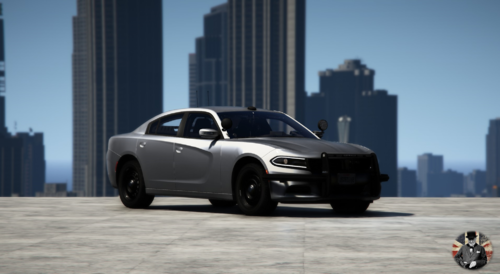 Simply change the file names (but keep the extensions +hi.ytd, .yft, .ytd, _hi.yft, and .xml). for example, I changed the name from police4.yft to fbi.yft. Hope this helps!
 -
Awesome car, been eagerly waiting for this one. Would you consider including trunk props similar to your 2013 charger?
