


DrPlanecraft
Members
-
Joined
-
Last visited
Everything posted by DrPlanecraft
-
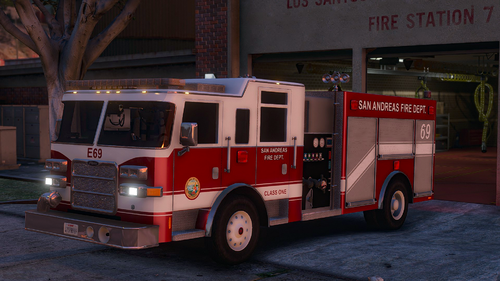 Hi, I think the problem with the small pumper is that you need to ADD a riot_hi.yft/.ytd whichever one is missing. (I got no Idea what im doing but there is a suggestion i can come up with) or change the replacement slot to riot 2, its usless in sp
- 55 comments
- 12 reviews
-
 Whatever I do I cant get police smart radio working, Please help, troubleshooter is not showing any errors. My Current game version:1.0.1868 Current RPH Version :1.78 LSPDFR Version : 0.47 Whatever I do I cant get police smart radio working, Please help, troubleshooter is not showing any errors. My Current game version:1.0.1868 Current RPH Version :1.78 LSPDFR Version : 0.47
- 1,196 comments
- 127 reviews
